You can create your site for customers and partners using any site template that Salesforce provides. With each template, Salesforce creates a default set of pages to handle the login experience, which includes login, self-registration, password resets, and identity verification.
Before you get started, make sure you enable the Experiences feature for your org. For more information, see Enable Salesforce Experiences.
- From Setup, enter All Sites in the Quick Find box, then select All Sites.
- Click New Site.
You’re shown a series of templates. You can use any site template, but for this example, let’s choose Aloha.
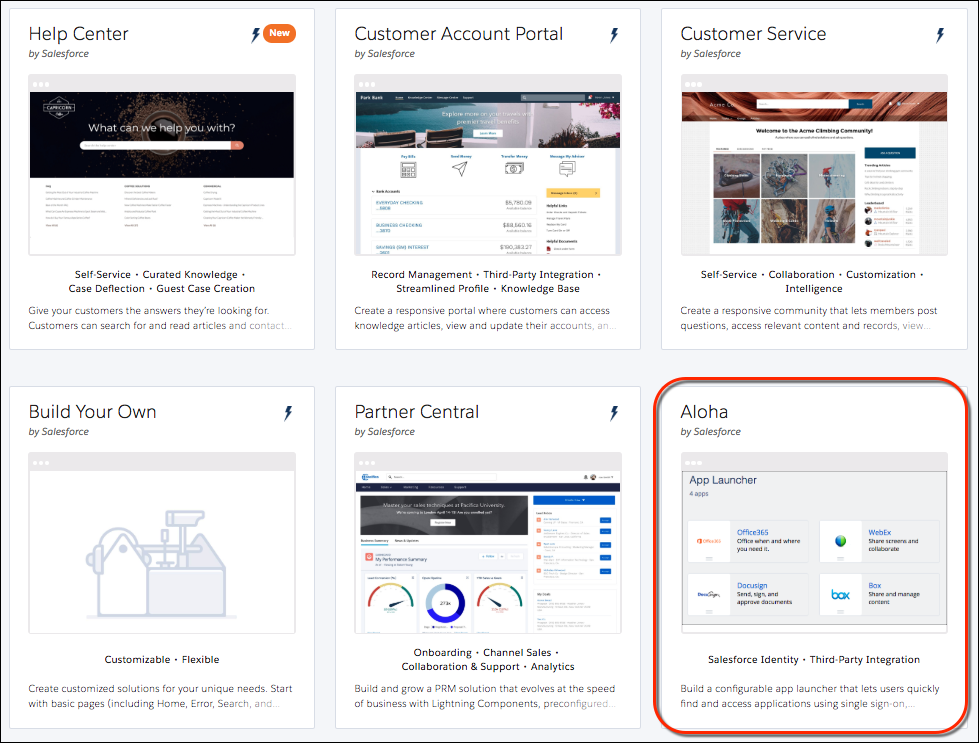
- Choose the Aloha template, and click Get Started.
With the Aloha template, you can build your own App Launcher. The App Launcher keeps all your Salesforce and third-party apps in one place and gives users quick access.
- Give your site a name and URL. For this example, enter Customers in both fields.
- Click Create.
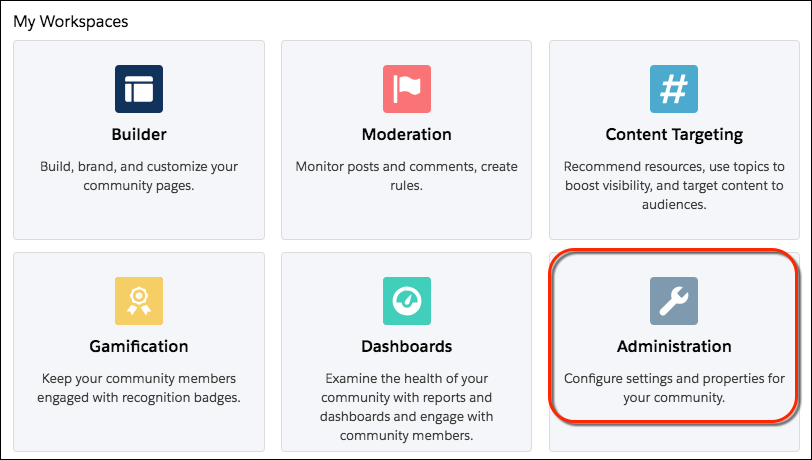
After a bit of background work, your new site appears in Experience Workspaces. Notice the Administration workspace. Administration is where you configure your site’s login experience.