---
schema_version: "1"
id: 6b5eea9571862727f325949276decca6158cd600aa46e94f0012339135cd895b
title: Create and Run a Right to Be Forgotten Request
collection: admin
version: current
locale: en-us
portal_url: https://docs.salesforce.com/admin/current/en-us/xcloud/264-0-0/create_rtbf_request.md
canonical_url: https://help.salesforce.com/s/articleView?id=xcloud.create_rtbf_request.htm&release=264.0.0&type=5
source_site: help.salesforce.com
content_type: documentation
content_hash: acf0a13726dce123597f5aef07c7052514954139ab135df7ffbbd8bb19ad114c
description: Create a request record and assign a policy to run on Right to Be Forgotten (RTBF) requests from your customers.
products:
- Security
- Cross Cloud
release: "264"
---
# Create and Run a Right to Be Forgotten Request
Create a request record and assign a policy to run on Right to Be Forgotten (RTBF) requests from your customers.
### Required Editions
Available in: Developer, Enterprise, Performance, and Unlimited Editions. Requires the Privacy Center license.
User Permissions Needed
To create, edit, and run Right to Be Forgotten requests:
Manage Privacy Center Policies

Note Right to Be Forgotten requests target only the records in your Salesforce org. To target records both in your org and in Data 360, use [Privacy Requests](https://help.salesforce.com/s/articleView?id=xcloud.privacy_request_rtbf_create.htm&release=264.0.0&type=5 "Fulfill Right to Be Forgotten (RTBF) requests from your customers using Privacy Requests. Find and delete relevant records in your Salesforce org and in Data 360.") instead.
To create a Right to Be Forgotten request:
1. From the Privacy Center app home page, under Right to Be Forgotten Requests, click **Go to RTBF Requests**.
2. Select **New RTBF Request**, then enter the record ID associated with the request.
3. Select a Right to Be Forgotten Policy to apply to the request. Select a policy with the same parent object as the record you entered the ID for.
4. Submit the request. From the RTBF Request page, you can run, edit, or delete the request.
5. Select a processing method for the request.
- To process the request immediately, from the RTBF Request page, select **Run Now**. The request is added to the queue for scheduled Privacy Center policies.
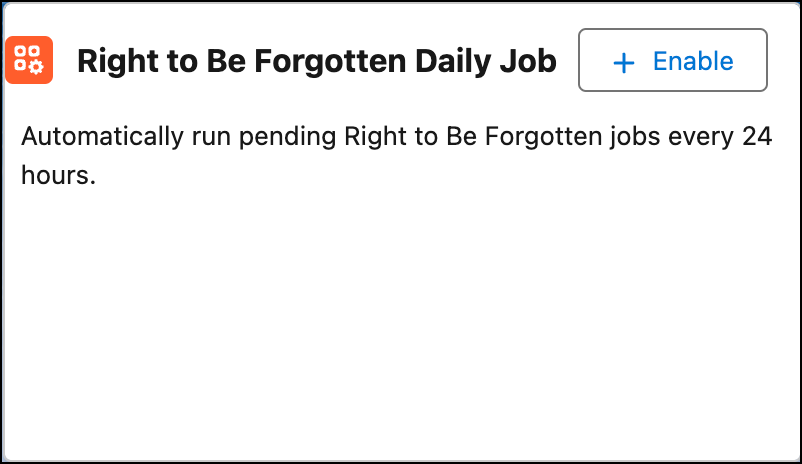
- To automate processing, from the Privacy Center app home page, click **\+ Enable** for the Right to Be Forgotten Daily Job. To stop automated processing, click the button again.
When enabled, the daily job runs every 24 hours, typically at midnight server time. The job picks up pending requests with a Last Modified Date older than 24 hours, and then processes them one at a time.