
Connect your external content provider or digital asset management (DAM) system to Salesforce CMS to streamline content creation in enhanced CMS workspaces.
Required Editions
| Available in: Lightning Experience |
| Available in: Enterprise, Performance, Unlimited, and Developer Editions |
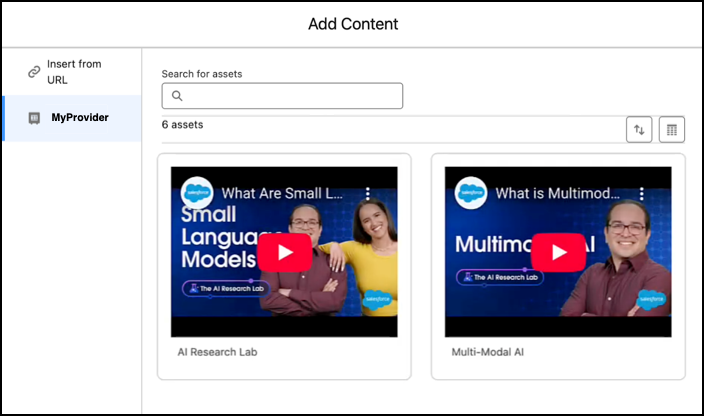
If you use an external content provider or DAM system to store images, videos, documents, or audio files, you can browse and reference these assets directly when creating content in your workspace.
Typically, your external provider creates a managed package that you can install in your org. As part of that process, you must create an instance of the external provider, which appears in the content selector in Salesforce CMS. Refer to your provider's package instructions for more details.
After the package is installed, you can access and use media from the external provider directly in your enhanced CMS workspace.

Trusted URLs
When working with media from external providers, make sure that your org supports the domain used for the external URL. Review the Content Security Policy (CSP) settings in Setup, and add the domain of the hosted content to your org’s trusted URL list. If you don’t add the domain to this list, it can raise security alerts, and users can’t access or preview the content.