
In the Playground Publisher app, use the URL Management section to test the URL management settings for your Mobile Publisher for Experience Cloud app. Use the export from the Playground Publisher app to enter your URL management settings in Setup for Mobile Publisher.

- On the Playground App for Android, the Default Method for Opening URLs field is not available. However, the default method field is available in Setup for Mobile Publisher for both iOS and Android apps. See Manage How URLs Open from Your App for more information.
- URL handling behavior is now consistent across Android and iOS. Links that aren't configured in URL Management follow the same unified precedence model on both platforms. For details, see Manage How URLs Open from Your App.
With URL Management, you can set links to open from your app in these ways.
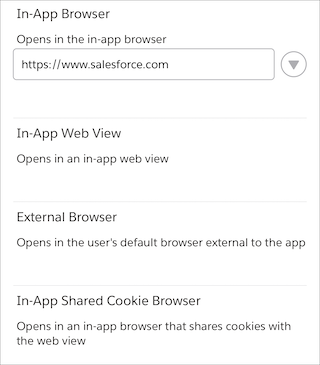
In-App Web View: Opens inside the Experience Cloud app as a web view.
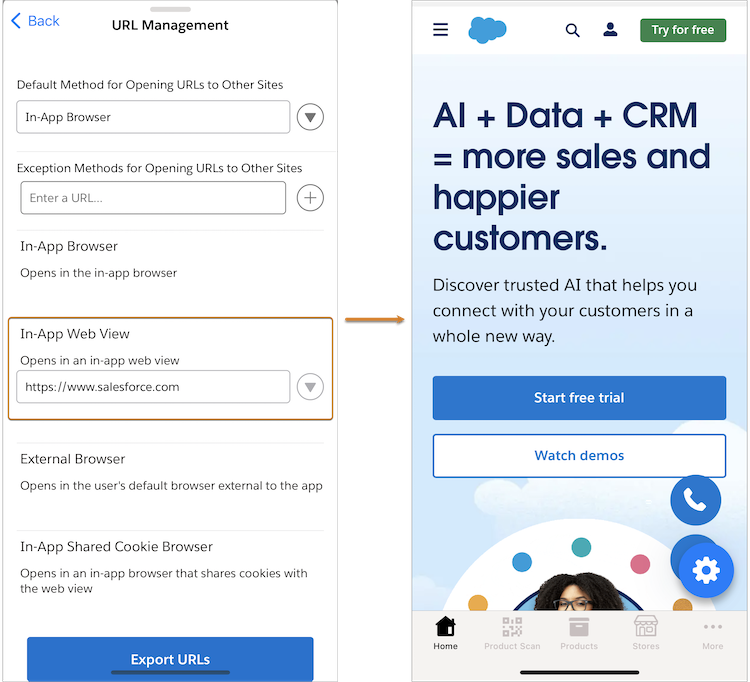
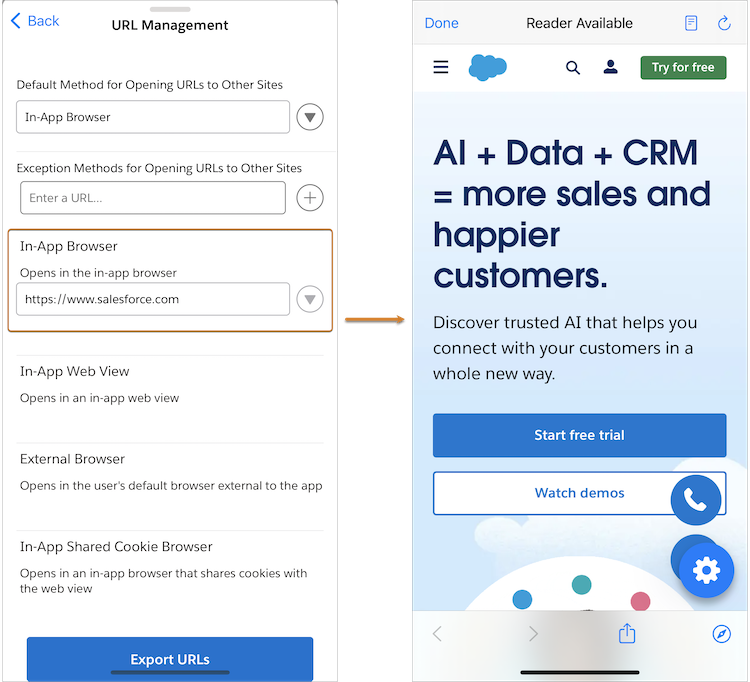
In-App Browser URLs: Opens inside the Experience Cloud app using an in-app browser.
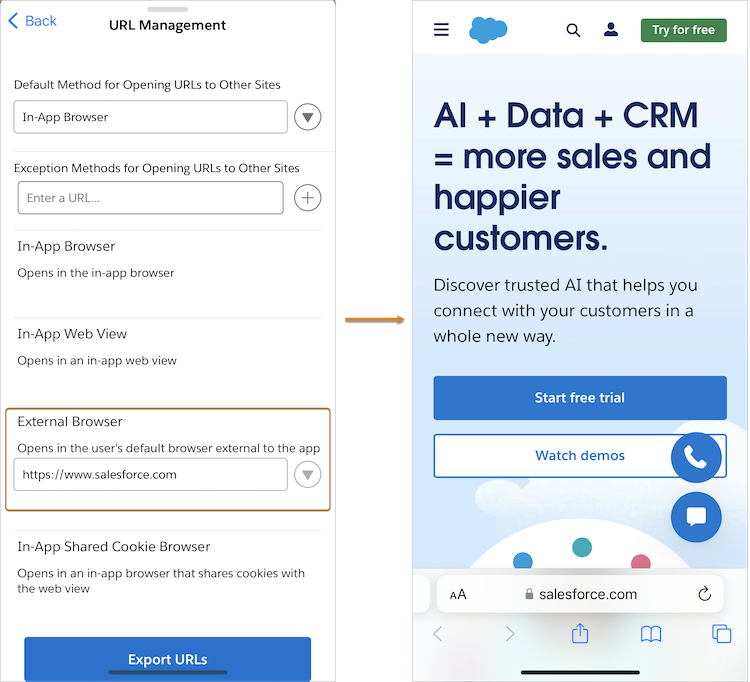
External Browser URLs: Opens outside the Experience Cloud app using the device’s default external browser.
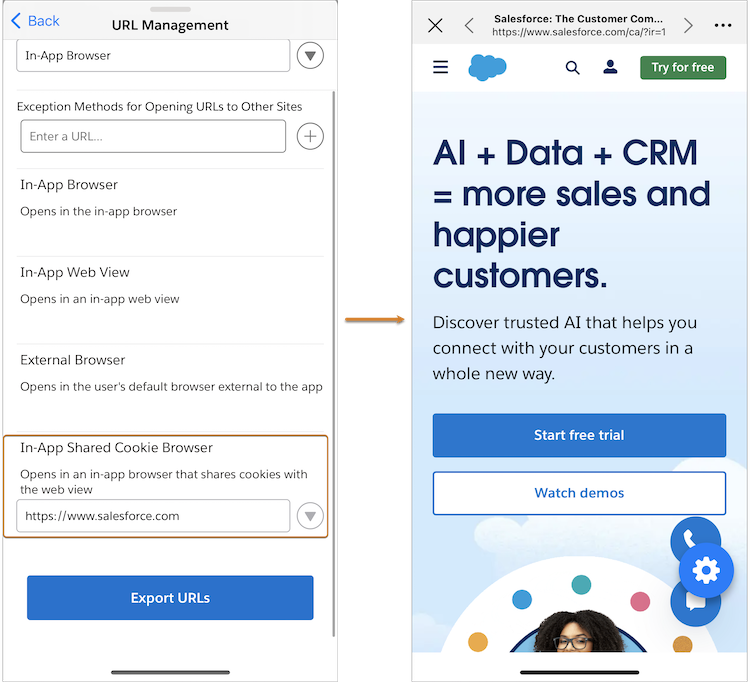
In-App Shared Cookie Browser URLs: Opens inside the Experience Cloud app’s in-app browser and shares cookies with the main web view.
- In the Playground app, open the Playground Actions menu, and then tap Configure How URLs Open.
- Select the default method for how the app opens URLs.
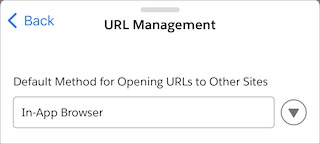
-
For any exceptions, tap the + button next to Exception
Methods for Opening URLs to Other Sites. You can add up to 20 URLs (Playground
app limit; Setup for Mobile Publisher allows up to 30 URLs) to each exception
method.
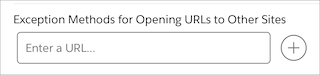
- After you add a URL, you see it listed under the exception method.
- Tap Export URLs. A draft opens in the default email app on your device. The email draft contains an exact export of your app’s URL management settings. With this export, you can email yourself the URLs that you tested and then copy them into your app’s Setup for Mobile Publisher project.