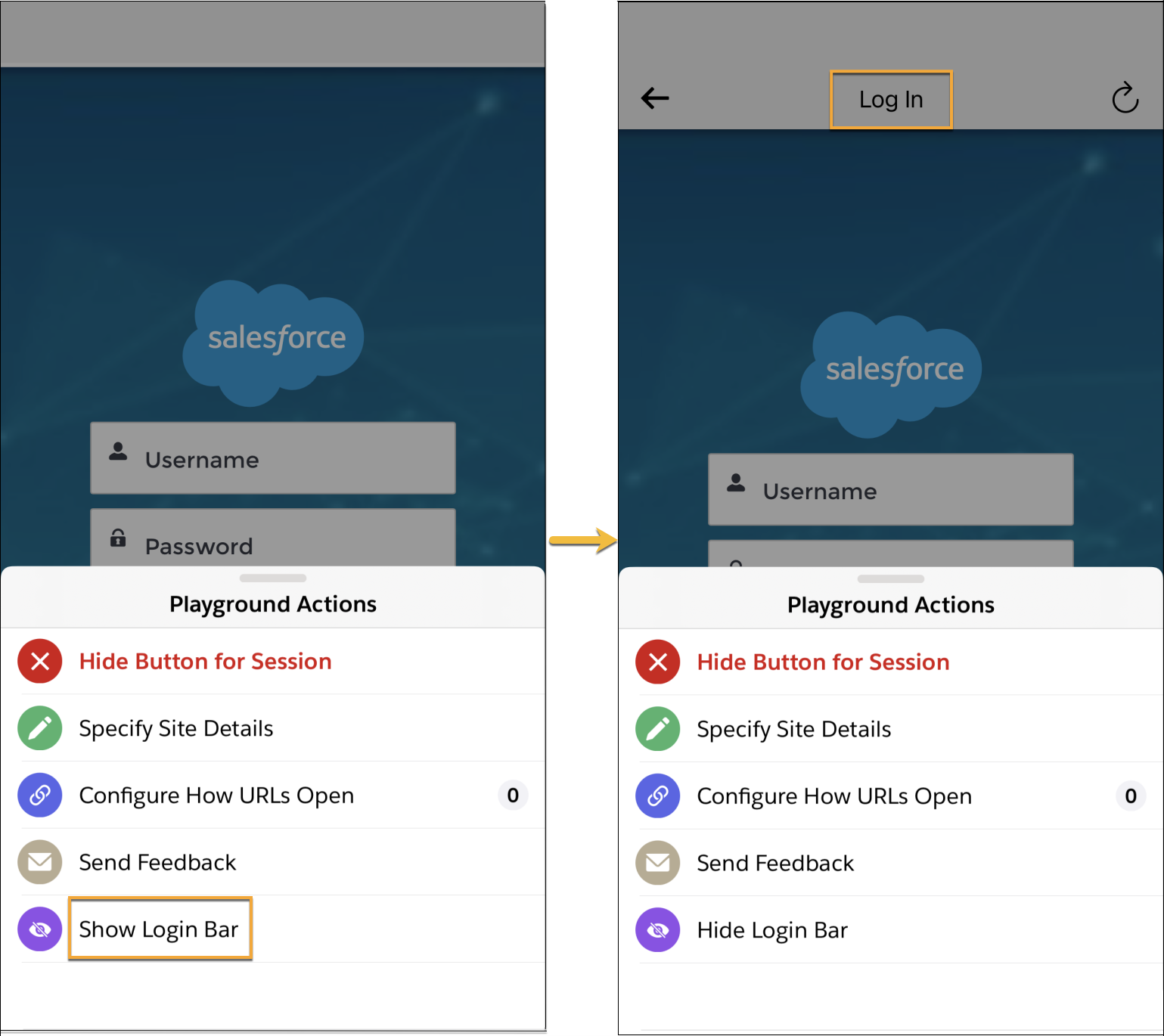
The Publisher Playground app lets you show a login bar so you can see when a login page is loaded within a webview. When the login into an Experience Cloud site is successful, the login bar automatically disappears.
The status and display of the login bar is useful in investigating login issues (especially persistent login).
- If the login bar is turned on and the login configuration is incorrect, the login bar doesn’t show.
- If the login bar is turned on and the login flow is broken or unsuccessful, the login bar doesn’t automatically disappear.

Note The login bar is only available in the Publisher Playground app on iOS.
To show the login bar in the Publisher Playground app on iOS, tap Show Login Bar from the Playground Actions.