
Mobile Publisher for Experience Cloud app supports scanning barcodes, such as a UPC symbol or QR codes.

Note Using the BarcodeScanner API to create contact-based features works only in the mobile
app, and not on mobile or desktop web.
You can develop and implement a Lightning web component with barcode scanning features using the BarcodeScanner API.
Barcode scanner requires the use of the mobile device camera. The user must grant your app access to the camera.
Using BarcodeScanner in your Lightning web component is straightforward.
- Import BarcodeScanner into your component definition to make the BarcodeScanner API functions available to your code.
- Test to make sure BarcodeScanner is available before you call scanning lifecycle functions.
- Use the scanning lifecycle functions to start, continue, and stop scanning.
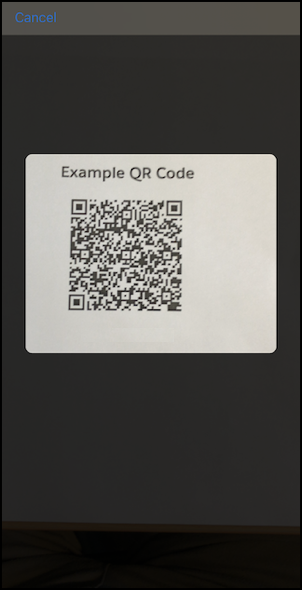
For complete details, see Scan Barcodes on a Mobile Device in the Lightning Web Components Developer Guide.