
Link important documents to your Salesforce records. Make it easier to find your documents in Salesforce by linking them to related Salesforce records.
Required Editions
| Available in: Enterprise, Performance, Professional, Developer, and Unlimited Editions |
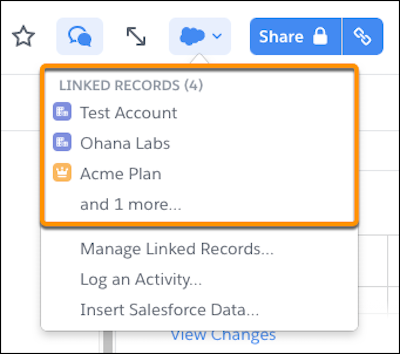
Manage your Account Plans by linking them to the related Account in Salesforce. You can easily access the linked document from the Account page in Salesforce, or see which records a document is linked to from the document in Quip.
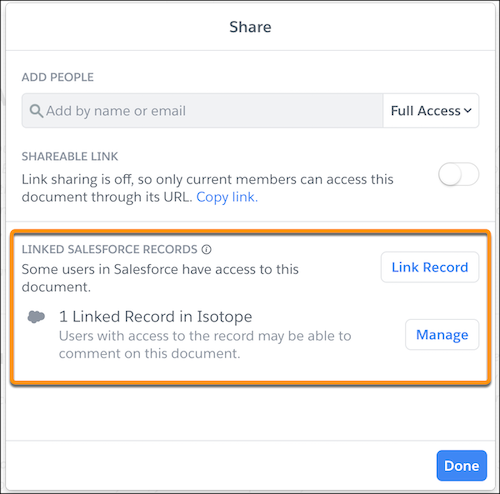
Document linking in Quip also makes it easier to see when documents are shared with others via Synced Sharing. From the Share window, users can see which Salesforce orgs have Synced Sharing enabled and what the level of access is set to.
When a document is linked to the record in Lightning Experience via the Quip Associated Documents component, you can also see the linked record from the document.
- Considerations for Document Linking
As you link your documents to Salesforce records, keep in mind these considerations. - Link a Document to a Record from Quip
To manage documents related to Salesforce, link them to a record. You can see which documents are linked to the record from the document or from the record itself.