Create a document no matter where you are in Lightning Experience and link it to a
record. Use the New Document global action to take freeform notes that stay open as you move
around Lightning Experience.
Required Editions
| Available in: Lightning Experience |
To create a document from the Global Actions menu, an admin must add the New Document global
quick action to your publisher layouts.
-
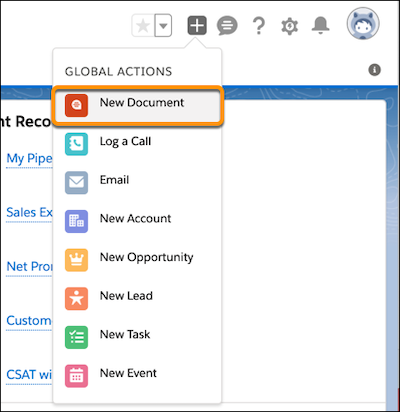
From a Lightning page, click
 , and select New
Document.
, and select New
Document.
-
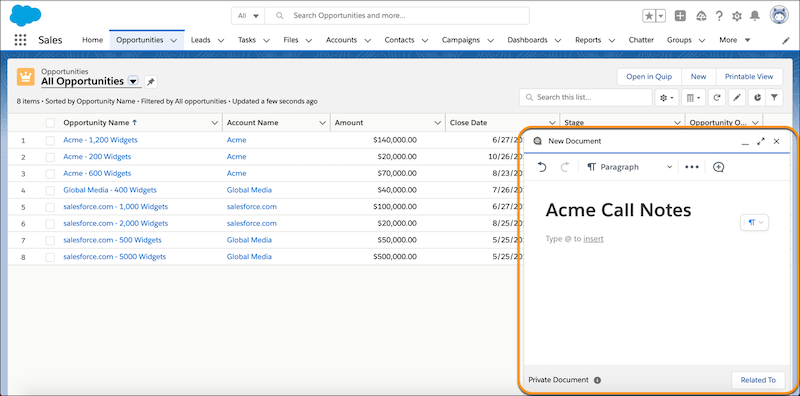
Add content to your new document. You can @mentions users, documents, spreadsheets,
folders, Salesforce data mentions, checklists, and more. For the best editing experience,
expand the document.
-
By default, your document is saved to your Private folder in Quip and to the Quip section
in the Files tab. When you’re ready to share your document, click Link &
Share.
-
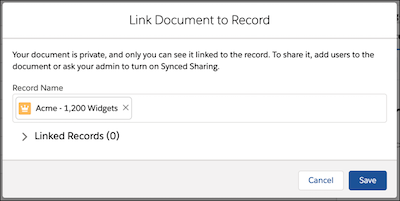
To link your document to record, select an object type, then enter a record name. If Synced
Sharing is enabled, users with access to the record can access its linked documents. Tell Me More
-
Save the action.