
After you add the Quip Document component to a Lightning page, your users can create and edit documents directly in Salesforce. If they prefer, users can also edit the document on your Quip site. Both options provide the same rich collaborative environment.
Required Editions
| Available in: Lightning Experience |
Depending on how you configured the Quip Document component, users interact with it in different ways on the Salesforce pages that include it.
- Users pick which documents go on which records. Users choose the documents to embed into Salesforce records. They can choose existing documents or create them directly from a Salesforce record.
- Users create documents from templates. Users can only embed documents based on a template that you previously created. This option works well for account plans, creative briefs, and other documents that your team uses repeatedly.
- Administrators preselect documents. Sometimes you, the administrator, knows best, so you preselect the documents that are appropriate for each Salesforce record. Users can’t change the embedded document, but depending on their permissions, they can edit it. This option is best for wikis, contact lists, and other reference documents.
Your users can work with an embedded document the same way they work with any other Quip document. They can edit text, insert images, leave comments, check off checklist items, update spreadsheets, @mention colleagues, and more.
Connect to Quip
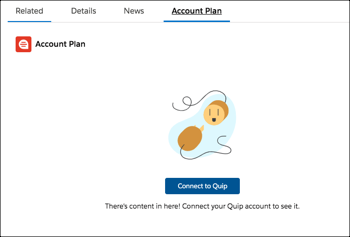
Users must be connected to their Quip account to use Quip in Salesforce. If they haven't already connected their Quip and Salesforce accounts, a button in the Quip Document component prompts them to do so.
- Add an Existing Document
Search for or provide the link to an existing Quip document to link it to a Salesforce record. - Add a Blank Document
Create a blank Quip document that’s automatically linked to a Salesforce record. - Add a Document Based on a Template
Access the Quip Template Library in Salesforce to quickly create and embed a new Quip document that’s automatically linked to a Salesforce record. If the template contains mail merge syntax, it’s populated with Salesforce data automatically. - Considerations for Working with Embedded Documents
You can generally work with an embedded document like any other document, and there are a few things to keep in mind.