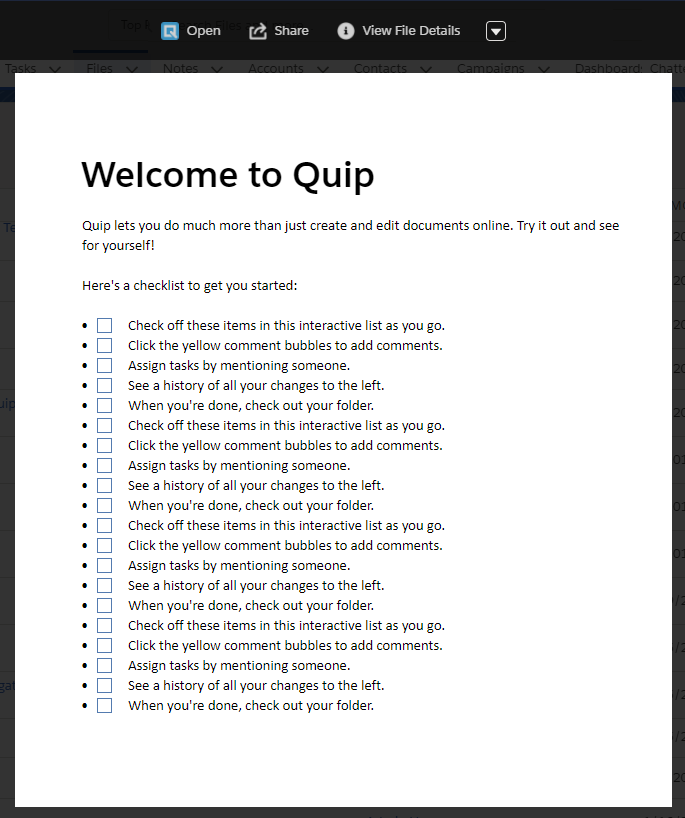
View and edit your documents without leaving Salesforce.
Required Editions
| Available in: both Lightning Experience and in Salesforce Mobile |
Documents, sheets, and slides previews are available:
- From the Quip Associated Documents component.
- When you click an attached document in a Chatter feed.
- On the File Details page.
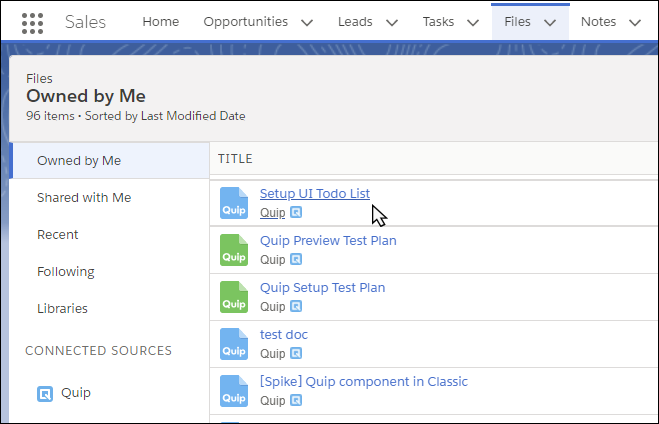
- From Files Home.
- From the Notes and Attachments component.
If you don’t have permission to view the file, open Quip and request access.