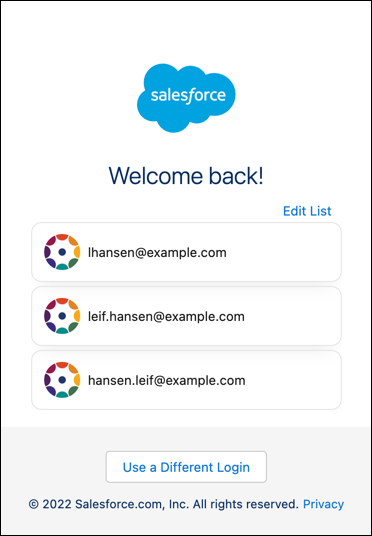
When you log in with your email address again, the page lists previous email addresses
that you signed in with. You can choose an email address from the list or log in with a
different email address.
Required Editions
| Available in: Lightning Experience |
| Available in: all editions |
- Open the Log In with Email page.
The Welcome Back page displays your previously verified email addresses.
- Select Use a Different Login.
- Enter the email address for the account that you want to log in with, and click
Continue.
- Complete the login process.