
Set up queue-based routing to route calls to a queue.
Required Editions
This article applies to:
- Salesforce Voice with Amazon Connect
- Salesforce Voice with Partner Telephony
- Salesforce Voice with Partner Telephony from Amazon Connect
| View supported editions. |
You must create your queue and associated routing configuration prior to setting up call routing to a queue.
- From Setup in the Quick Find box, enter Voice, and then select Amazon Contact Centers or Partner Telephony Contact Centers, depending on your telephony system.
- Under Contact Center Channels, click Add to add a phone channel. Or find and edit the existing phone channel in the list.
-
In the channel’s action menu, select Edit to view your channel’s
routing settings and update them if needed.
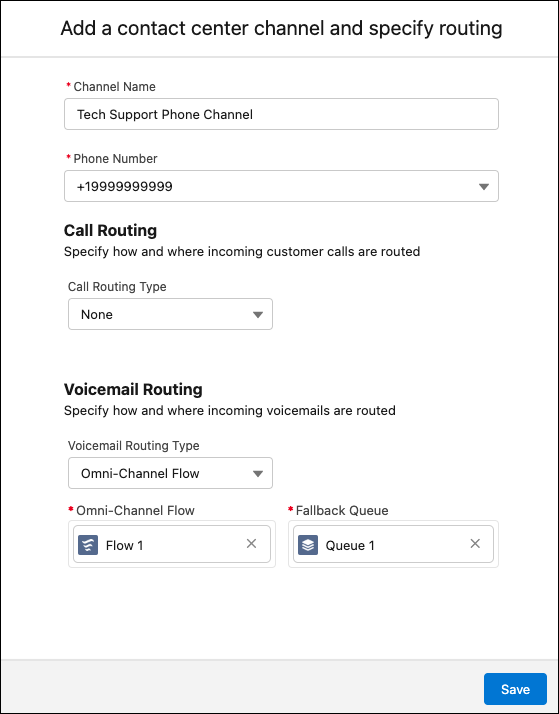
- To route this phone channel’s calls to a specific queue, select Queue in the Call Routing Type field, and then enter the name of the Salesforce queue you want to route calls to.
- Save your changes.