
Reports give you access to your Voice channel performance data, which you can examine in almost infinite combinations.
Required Editions
This article applies to:
- Salesforce Voice with Amazon Connect
- Salesforce Voice with Partner Telephony
- Salesforce Voice with Partner Telephony from Amazon Connect
| View supported editions. |
| User Permissions Needed | |
|---|---|
| To create report types: | Create and Customize Reports AND Manage Custom Report Types |
| To view Voice channel performance data: | Salesforce Voice Contact Center Admin Permission set |
| To view all Voice Call records, regardless of role: | View All Data |
Create a custom report type that includes the new Voice objects:
- Voice Channel Interaction Event
- Voice Channel Interaction Detail Event
Then run a report from the new custom report type, and filter Voice fields and report columns to see specific trends.
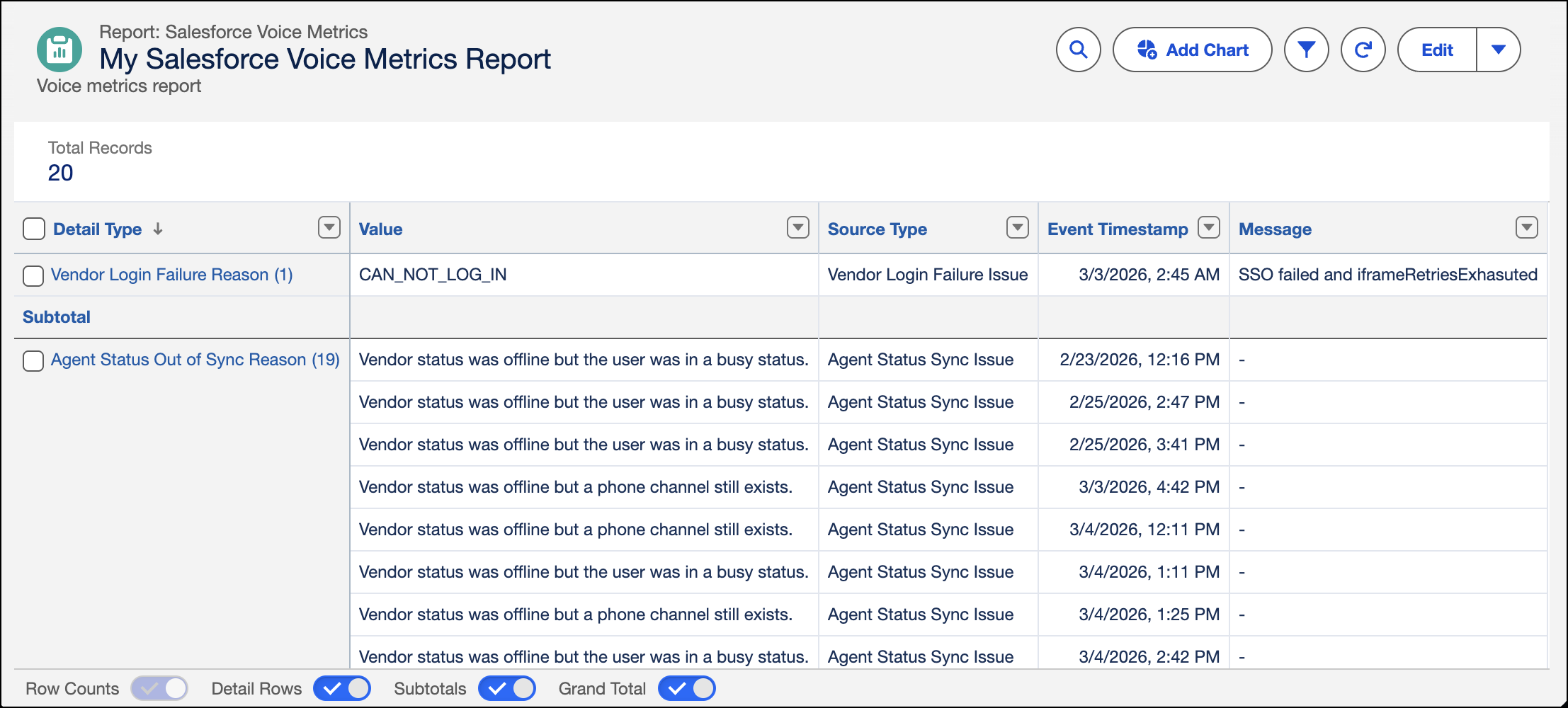
To view VoiceCall attributes in a custom report, add the polymorphic lookup attributes on Source, labeled Metric Source Voice Call ID, of the Voice Channel Interaction Event object.
To help users access all necessary Voice Call records in the custom report, assign them a role that has read access for appropriate records, such as those owned by users that report to them.