To pass a list of keywords to a Next Best Action or autolaunched flow, add an input
variable that stores the Conversation Intelligence rule developer name. To use the keywords in a
flow, add the input variable to the flow.
Required Editions
-
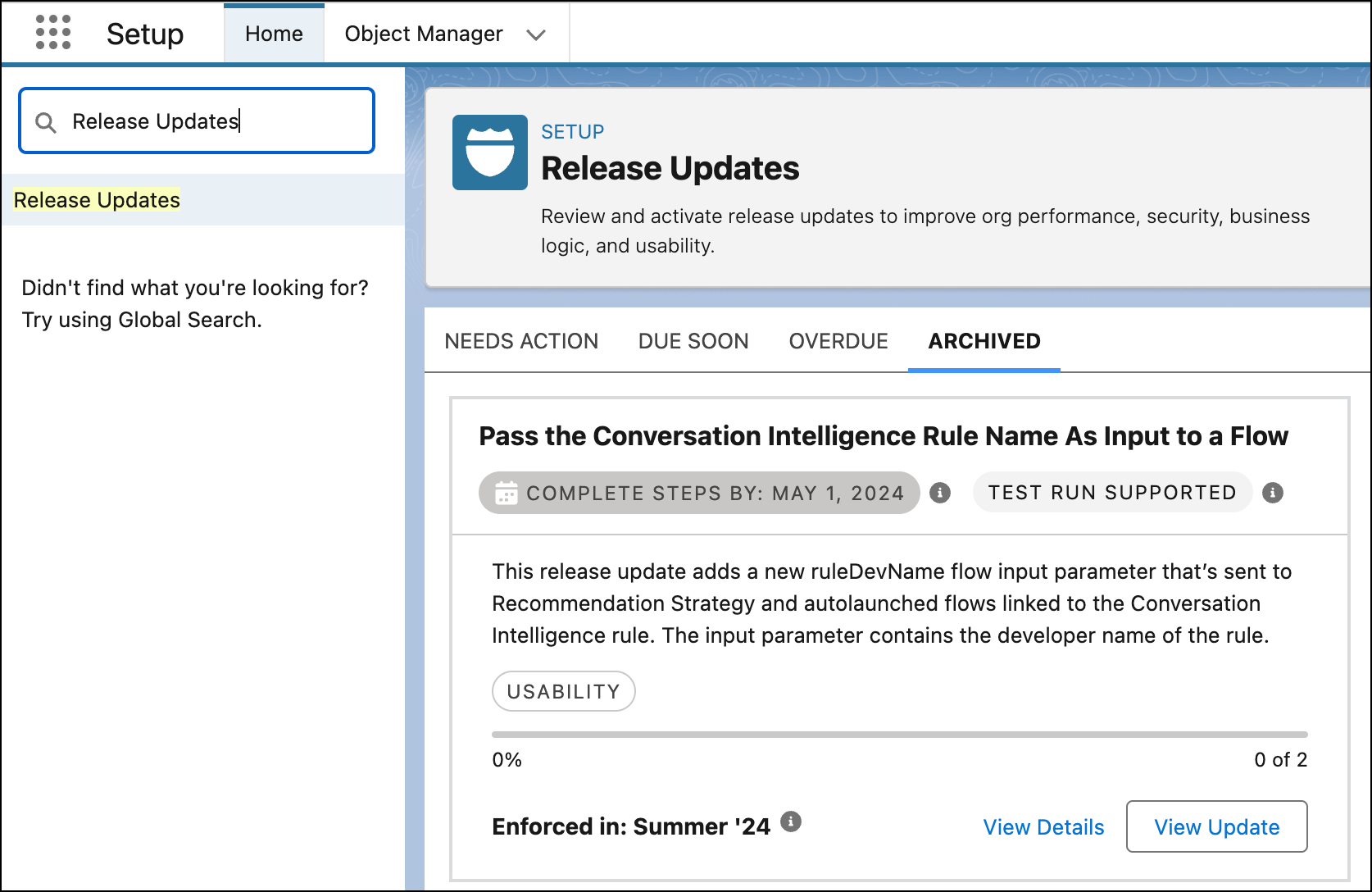
To enable a rule to be passed as an input variable, under Setup, go to Release Updates,
and then click Get Started for the Pass the Conversation
Intelligence Rule Name as Input to a Flow release update.
-
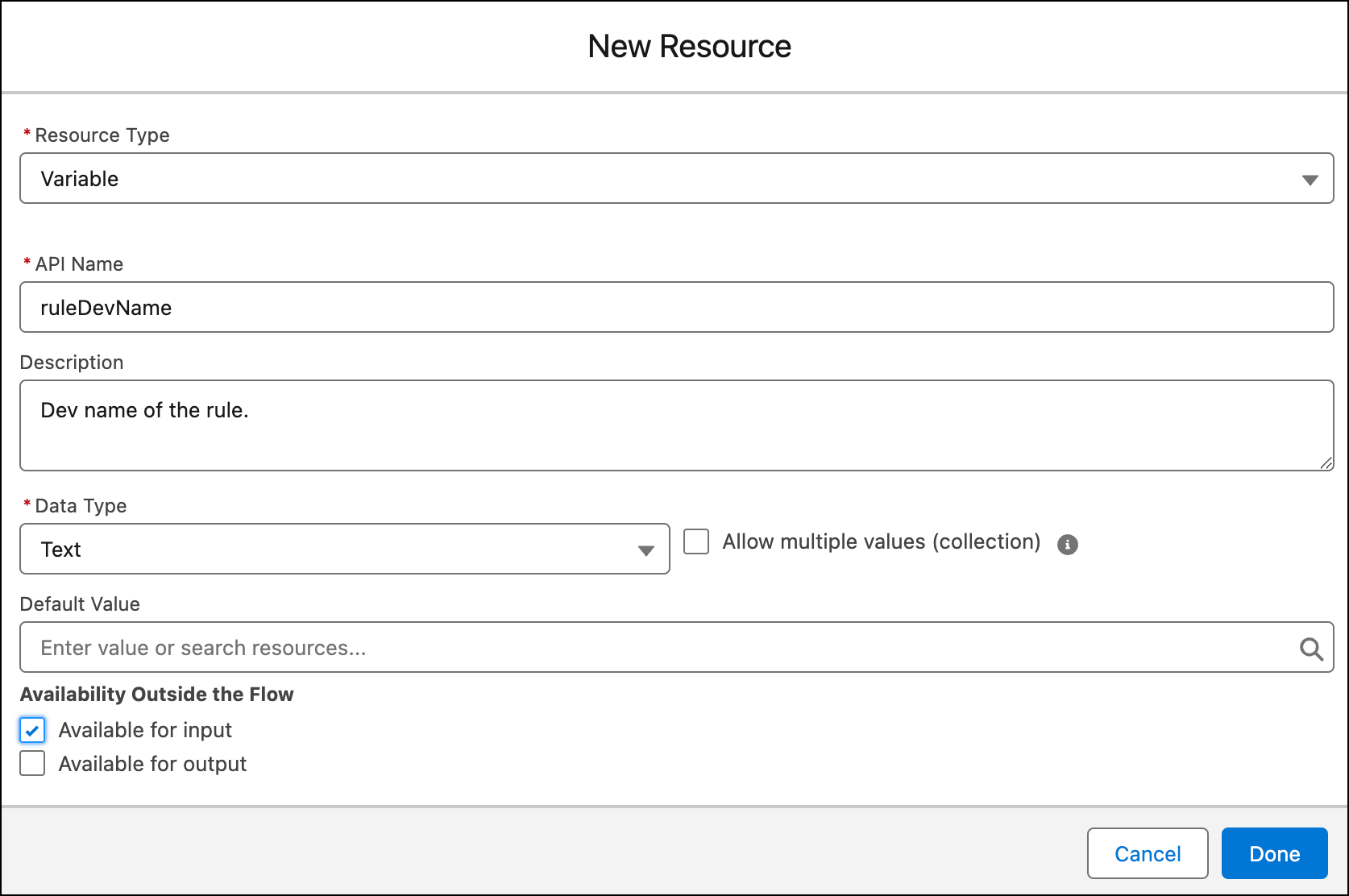
In the flow, create an input variable that stores the rule that uses the
keywords.
-
In API Name, enter ruleDevName. The value must use this API
name.
-
In Data Type, select Text.
-
Select Available for input.
-
Save the flow.