Customize the Service Console

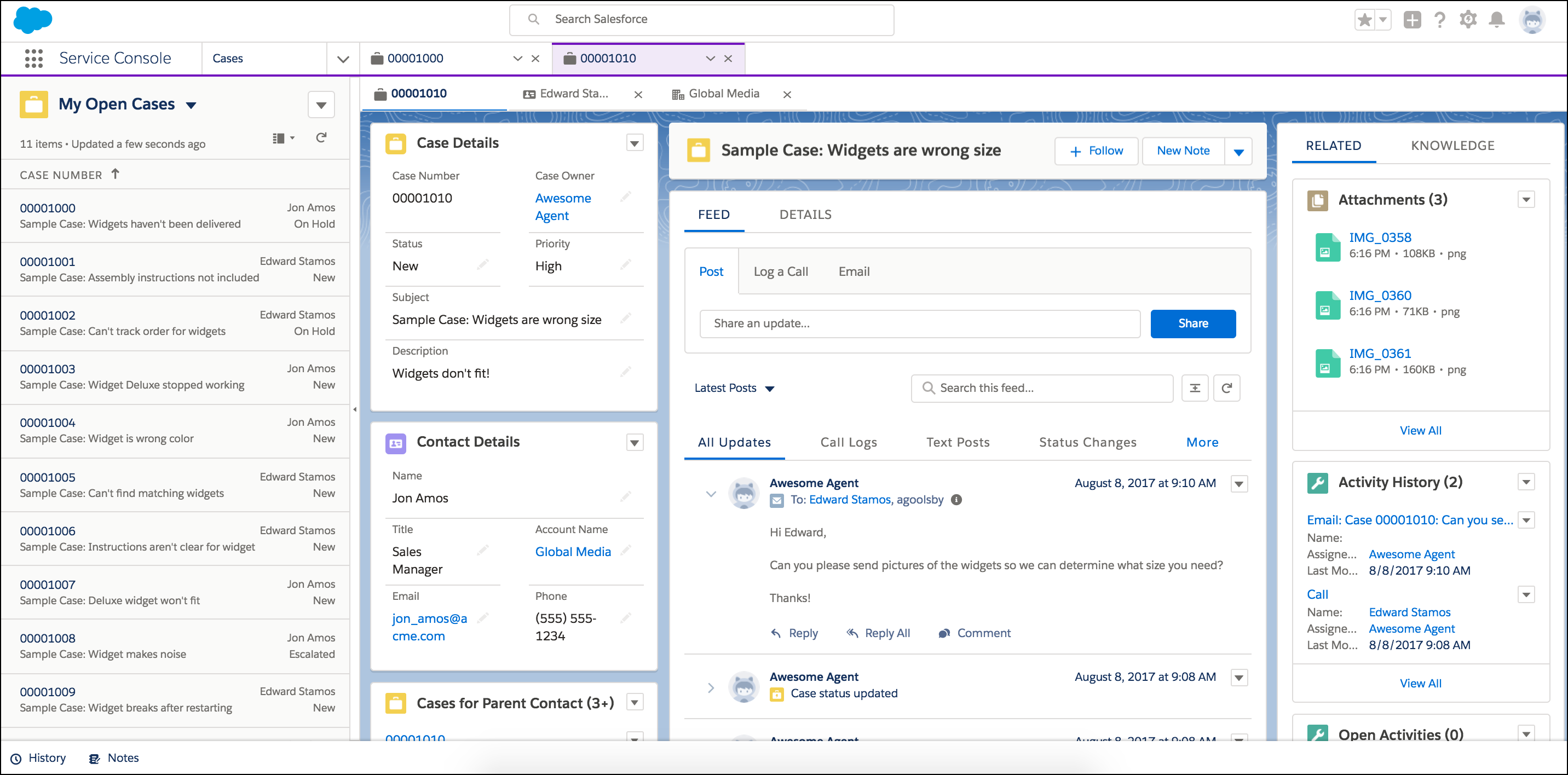
The Service Console app provides support reps a full view of each customer case and gives them the tools to resolve each case quickly. Use the console app to view multiple records and their related records on the same screen, and work through records from a list using split view.

Required Editions

View supported editions.
Note
Note Lightning console apps don’t yet have full parity with Salesforce Classic console apps. For example, some features in Salesforce Classic console apps, such as push notifications and custom keyboard shortcuts, aren’t available in Lightning console apps. Learn more.

You can’t upgrade Salesforce Classic console apps to Lightning Experience from Setup. To prepare for your transition to Agentforce Service (formerly Service Cloud) in Lightning Experience, watch play Get Ready to Transition to Service in Lightning Experience (English only). Then customize the Salesforce-provided Service Console app in Lightning Experience. You can always recreate your Salesforce Classic console app in Lightning Experience, but using Salesforce’s out-of-the-box app is faster and easier.

You can create console apps in Salesforce Classic and Lightning Experience. Here’s the Service Console in Lightning Experience.

Console