
Before installing the Service data kit and Service Intelligence, connect Data 360 to Agentforce Service (formerly Service Cloud).
Required Editions
| View supported editions. |

Important
Service Intelligence currently supports only an internal Salesforce
connection.
- On the Service Intelligence setup page, click Connect for the Create the Data Cloud Salesforce CRM Connection step.
-
Ensure you have an internal Salesforce connection.
- If no connections are listed, click Connect. Then click Connect again for the Salesforce org.
- If connections exist, make sure that you have a connection to the Salesforce org. If you don’t, click New and then click Connect for the Salesforce org.
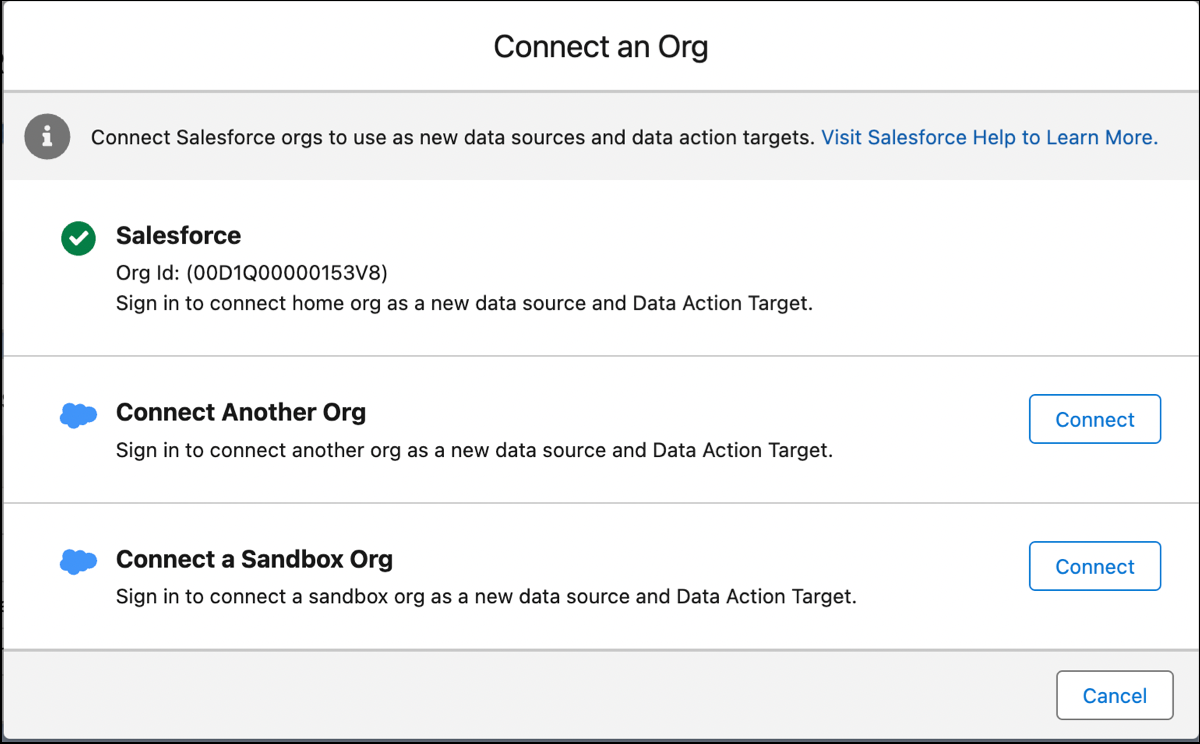
Your Salesforce org is now connected as a data source and data action target.