Safety Cloud helps ensure that your events are safe to attend by confirming that your
attendees meet vaccination and COVID-19 testing requirements.
Required Editions
| Available in: Enterprise and Unlimited
editions. |
Get to Know the Safety Cloud Health Verification UI
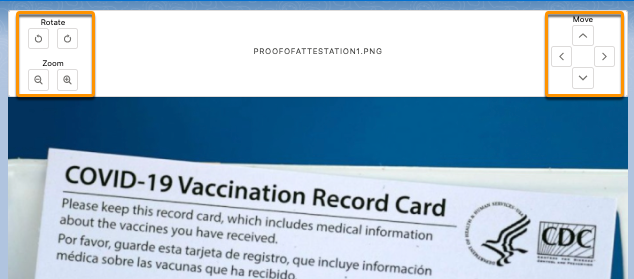
Agents can adjust an image in order to properly view and assess its content.
The Image Control Tools allow agents to open the image in a separate tab, and rotate,
move, or zoom.
When you install Safety Cloud, the Safety Cloud Health Verification Lightning Record
Page is activated automatically.
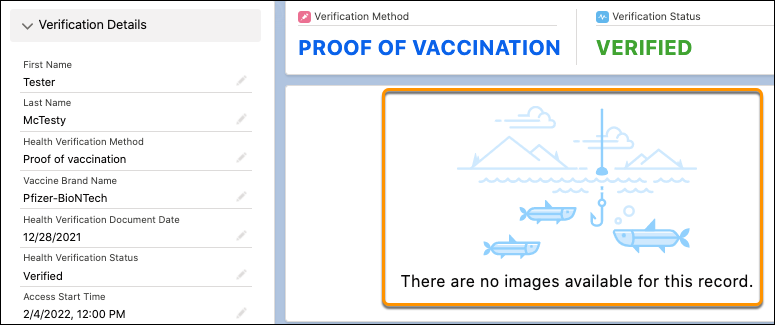
- If a Health Verification record has no images attached, it shows a placeholder
message. Otherwise you get a tabbed preview with all the images.
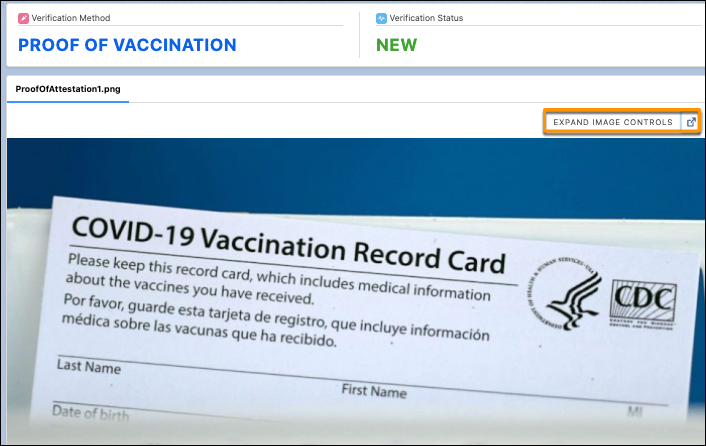
- To open the image in a separate window, click the button next to Expand Image
Controls above the image on the Health Verification page.
- When you expand the image, you find additional parameters:
Rotate,
Move, and Zoom.