
Give service reps access to Service Replies in the Einstein Reply Recommendations component by assigning them a permission set.
Required Editions
| User Permissions Needed | |
|---|---|
| To assign permission sets: | Assign Permission Sets |
| To view object permissions: | View Setup and Configuration |
| To edit object permissions: |
Manage Profiles and Permission Sets AND Customize Application |
| To view and manage apps: |
View Setup and Configuration AND Customize Application |
Before assigning permissions, decide which service reps you want to use Service Replies.
From Permission Sets, assign your selected service reps the Service Replies User
permission set. The permission set is included with the Service Cloud Einstein add-on
license.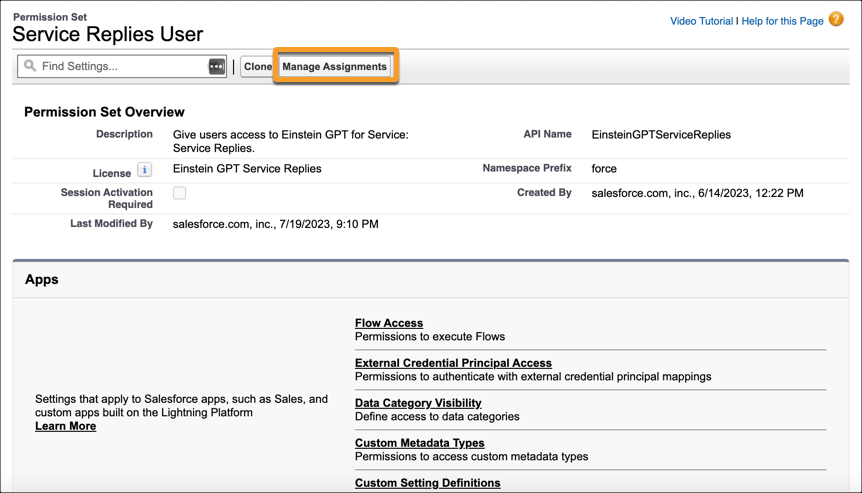

Recommendations appear in the Einstein Replies component. If Reply Recommendations is enabled, users with the Einstein Reply Recommendations User permission set get the component on the Chat and Messaging console pages.