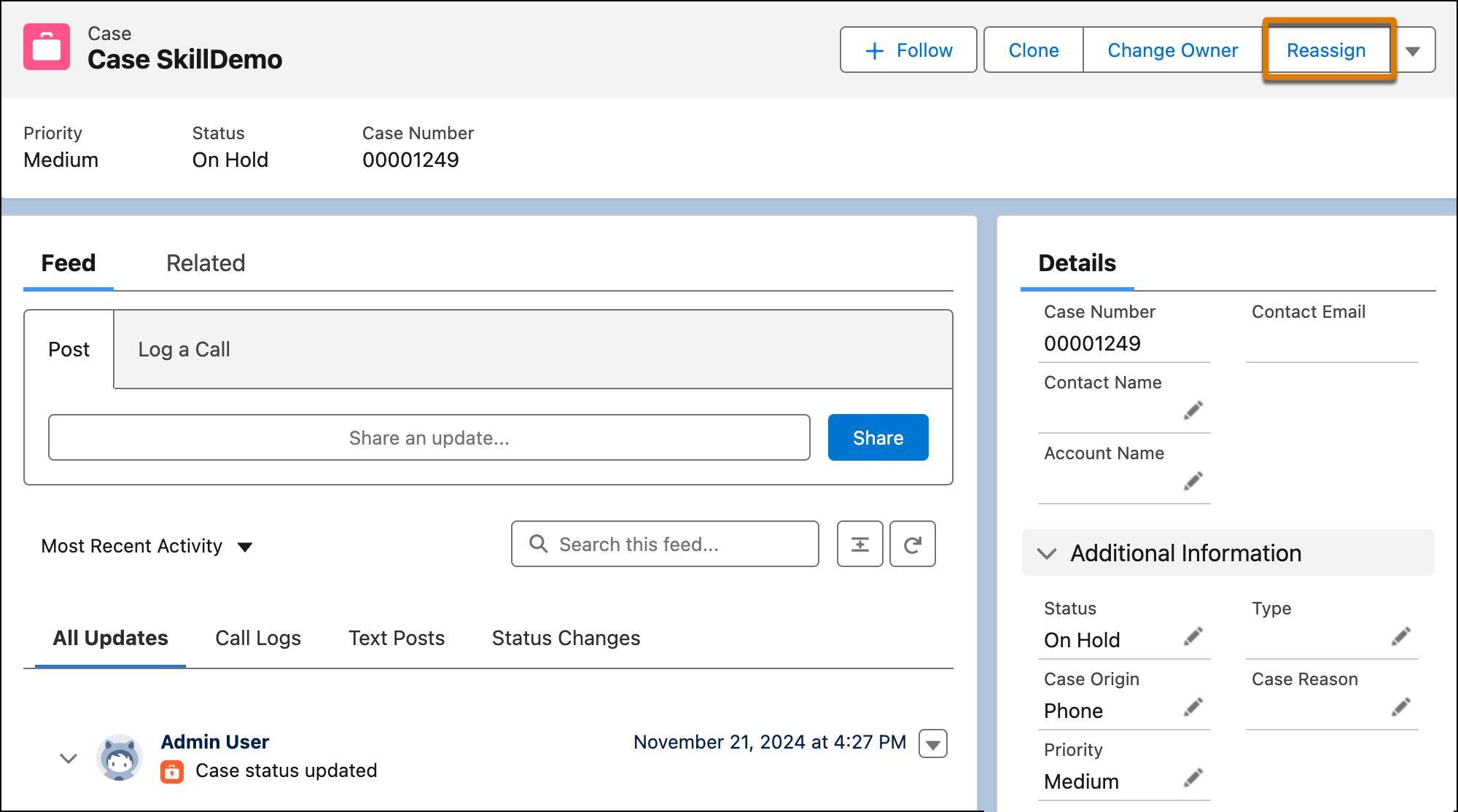
Similar to transferring Voice calls and Messaging sessions, you can reassign routable
standard and custom objects to a new routing destination with Omni-Channel. For example, you can
reassign a case or lead. Instead of changing the Owner field of the work record, you can
reassign the work item to a different queue, service rep, skill, or Omni-Channel flow. When a
work item is reassigned, Omni-Channel routes it to the new destination. To improve resolution
times and meet SLA goals, Omni-Channel maintains reassigned work item’s priority in the queue.
This feature is available with Enhanced Omni-Channel only.
Required Editions
Before you can reassign a work item, turn on Enable Enhanced
Omni-Channel in the Omni-Channel settings. To reassign work to a rep, turn on
Enable Skills-Based and Direct-to-Agent Routing as well.
-
To reassign a work item to a new routing destination, on the record page, click
Reassign and select the new routing destination.
If the Reassign button is missing, ask your admin to add it to the page.
-
To reassign the work item to a queue, select the queue.
When you reassign work to a queue, the queue must have a routing configuration. If it
doesn’t, it will not appear in the list of available queues to reassign work to.
-
To reassign the work item to a service rep, select the service rep.
-
To reassign the work item to a skill set, select the skill.
You can select up to 10 skills. When you reassign work to a skill, the skill level is
set to 0. To specify the skill level, reassign the work to a flow where you can define the
skill level requirement.
-
To reassign the work item to an Omni-Channel flow, select it.
-
Click Reassign.
What happens behind the scenes when work is reassigned? After you reassign a work
item (known as an "AgentWork record" in the backend, a new AgentWork record is created. The
status of the original work record varies depending on the routing destination and whether
you use tab-based or status-based capacity. For tab-based capacity, work that isn’t canceled
is closed when the tab closes.
| Scenario |
Status of Existing Work with Tab-Based Capacity |
Status of Existing Work with Status-Based Capacity |
| Reassign existing work with Assigned status to a queue. |
Canceled |
Canceled |
| Reassign existing work with Assigned status to a queue. |
Canceled |
Canceled |
| Reassign existing work with Accepted status to a queue. |
Accepted
|
Canceled |
| Reassign existing work with Assigned status to a skill. |
Canceled |
Canceled |
| Reassign existing work with Accepted status to a skill. |
Accepted |
Closed |
| Reassign existing work with Assigned status to a rep. |
Canceled |
Canceled |
| Reassign existing work with Accepted status to a rep. |
Accepted |
Close |