While servicing a customer on the phone or in a messaging or chat session, you can have
a private conversation with your supervisor to get help and escalate issues. Raise a flag to get
their attention, and then have a 2-way messaging conversation with them, or request that they join
the conversation with the customer.
Required Editions
-
To raise a flag in Call Controls for calls, the Conversation component for messages, or the
interaction pane for chats, click the Flag button (
 ), enter a message,
and click Raise.
), enter a message,
and click Raise.
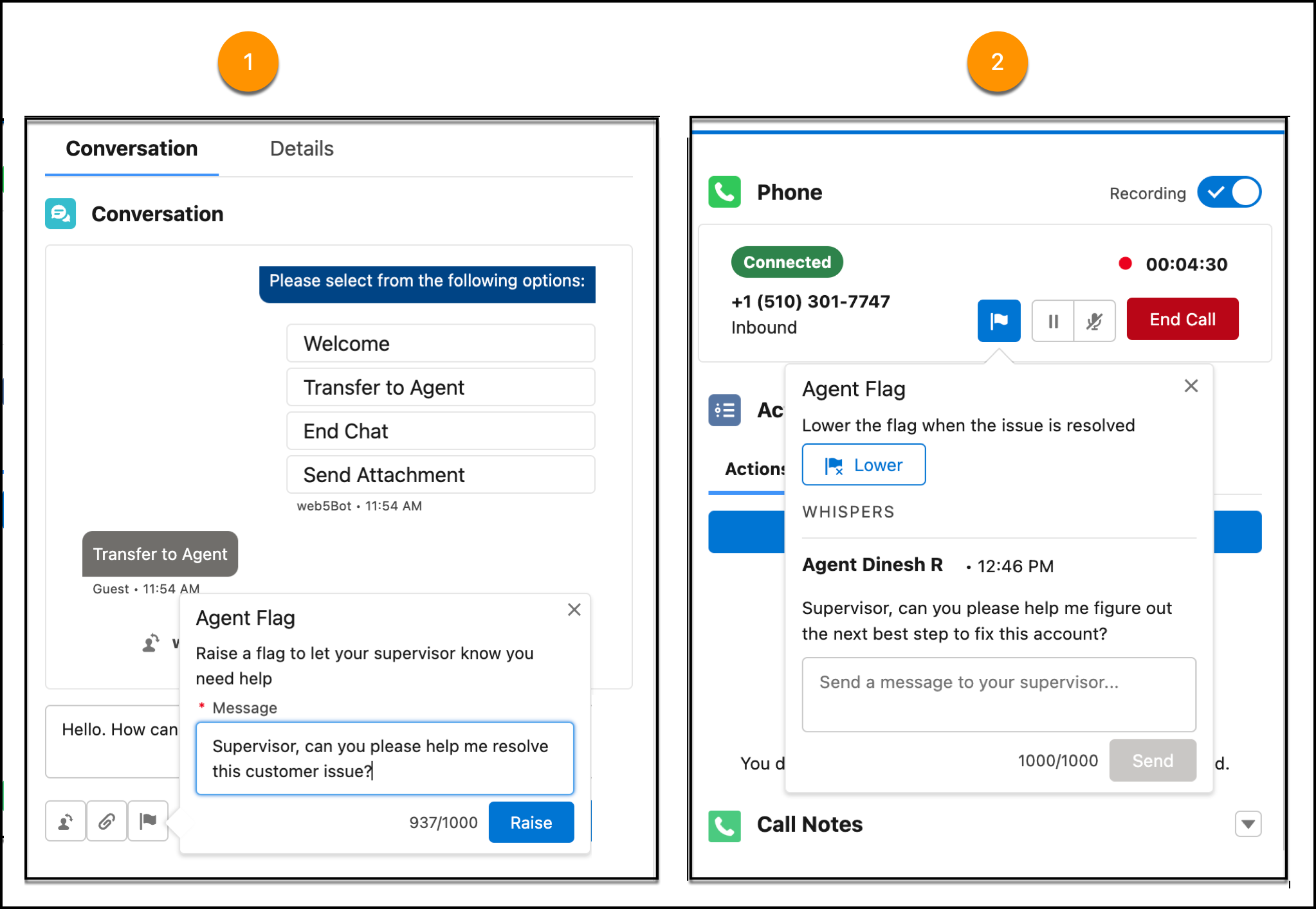
Your supervisor is alerted in Command Center for Service, and your flag is added to the Raised
Flags widget in their supervisor wallboard.
-
If you no longer need help, you or the supervisor can lower the flag.
The service rep-supervisor conversation is added in real time to the conversation
transcript.

