
Let users enter an email address.
Required Editions
| Available in: Lightning Experience in Enterprise, Unlimited, and Developer Editions. |
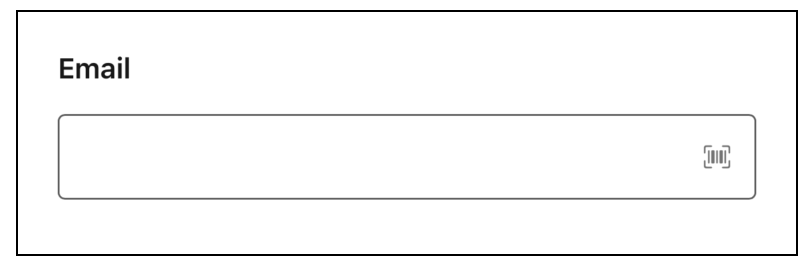
Configure the Email Component
You can select resources from the flow, such as variables or global constants, or you can manually enter a value.
| Attribute | Description |
|---|---|
| Label | The label that the user sees. |
| Disabled | Determines if the user can change the default email. |
| Max Allowed Characters | The maximum length of the email. The user can enter up to 255 characters. |
| Read-Only | Determines if the user sees the email as read-only. |
| Required | Determines if the user must enter an email. |
| Value | Determines the default email that the user sees in the field. |