
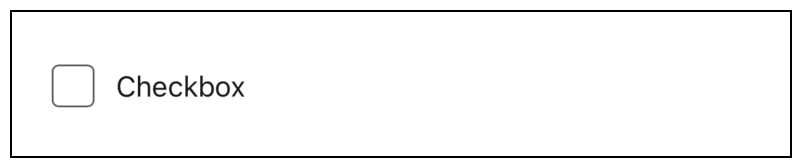
Let users select and deselect an option with a checkbox format.
Required Editions
| Available in: Lightning Experience in Enterprise, Unlimited, and Developer Editions. |
Configure the Checkbox Component
You can select resources from the flow, such as variables or global constants, or you can manually enter a value.
| Attribute | Description |
|---|---|
| Disabled | Determines if the user can change the values. |
| Default Value | Determines the default latitude that the user sees in the field. |
| Label | The label that the user sees. |
| Read-Only | Determines if the user sees the component as read-only. |
Usage
When the user selects the checkbox, the screen component evaluates to
true. If the user doesn’t select the checkbox, the screen component
evaluates to false. If the associated screen isn’t executed, the screen
component evaluates to null.