Use the Field Service Mobile App Builder to configure what tabs are available within the
Field Service mobile app and assign those configurations to profiles.
Required Editions
| User Permissions Needed |
| For admins to create and manage email templates and content in a builder: |
Customize application |
| For mobile app users to customize using App Setup menu options: |
Custom applications for Field Service mobile |
-
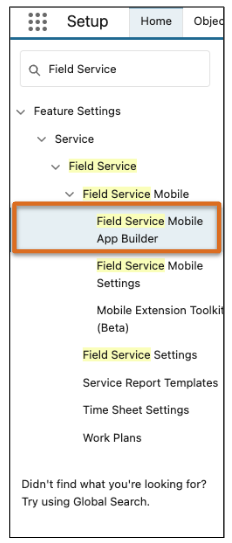
From Setup, in the Quick Find box, enter Field Service
Mobile App Builder, and then select Field Service Mobile App
Builder.
-
Click New Configuration.
-
Give your configuration an app name.
-
To populate the API Name field, click in the box, and then click
Save.
The Field Service Mobile App Builder user interface opens.