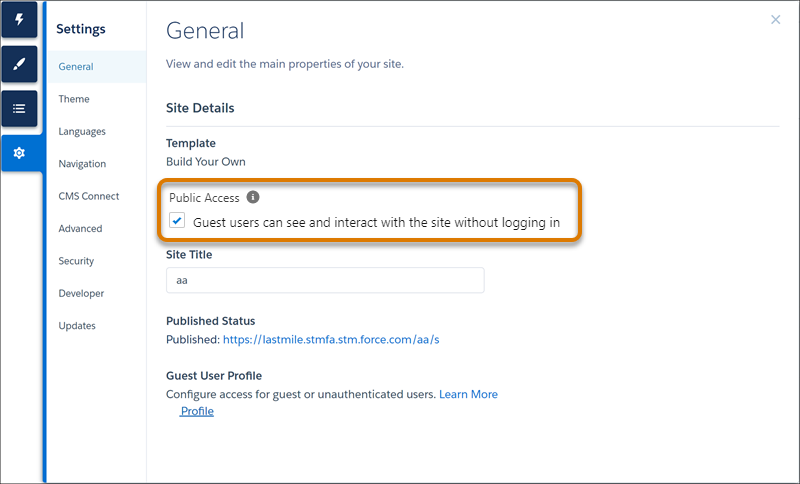
Guest users can view your Experience Builder site without logging in. All guest visitors
to a public site share the same guest user record (one per site) and have the same access
level.
Required Editions
| Available in: both Salesforce Classic (not available in all orgs) and Lightning
Experience |
| The Field Service core features, managed package, and mobile app are available in
Enterprise, Unlimited, and Developer Editions.
|
| The Field Service Appointment Assistant managed package and permission set
license are required. |
| User Permissions Needed |
| To create, customize, or publish a site: |
Create and Set Up Experience Sites AND View Setup and Configuration |
-
In Experience Builder, click Settings
 .
.
-
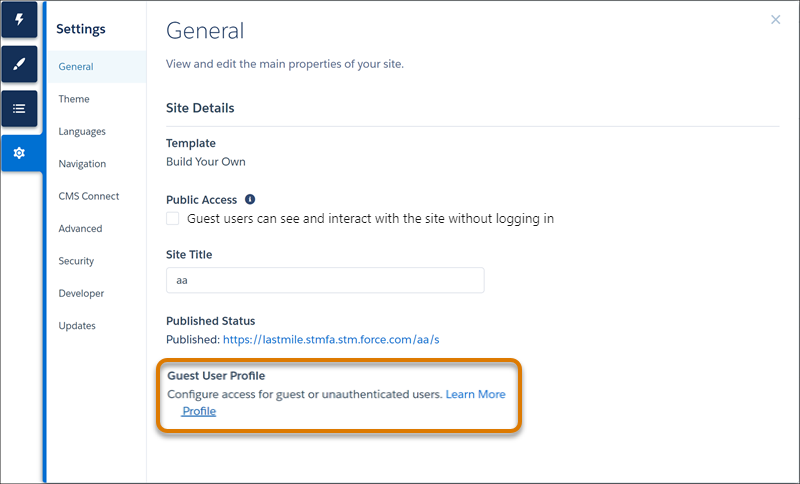
In Guest User Profile, click <Your Site Name> Profile.
-
From Profiles, click View Users and click the user’s name.
-
From Permission Set Assignments, click Edit Assignments.
-
Add Appointment Assistant Guest Permissions.