When a customer messages your company, Salesforce creates a messaging user record for
them. The messaging user record can include the customer’s name, phone number or Facebook name,
and consent status. Messaging user records are required for your recipients, even if you’re
sending messages to contacts, employees, or person accounts.
Required Editions
| View supported editions. |
 This article applies to:
|
Enhanced In-App Chat, Enhanced Web Chat v1, Enhanced Web Chat v2, Enhanced
WhatsApp, Enhanced Facebook Messenger, Standard and Enhanced SMS, Enhanced Apple
Messages for Business, Enhanced LINE, and Bring Your Own Channel |
A
messaging user record is created for each channel the customer uses. For example, a single
contact may be represented by two messaging user records: one for their Facebook Messenger
interactions with your company, and one for their SMS interactions. By linking messaging
user records to contacts or other Salesforce records, you can get a full picture of the
customer’s interactions with your service team.
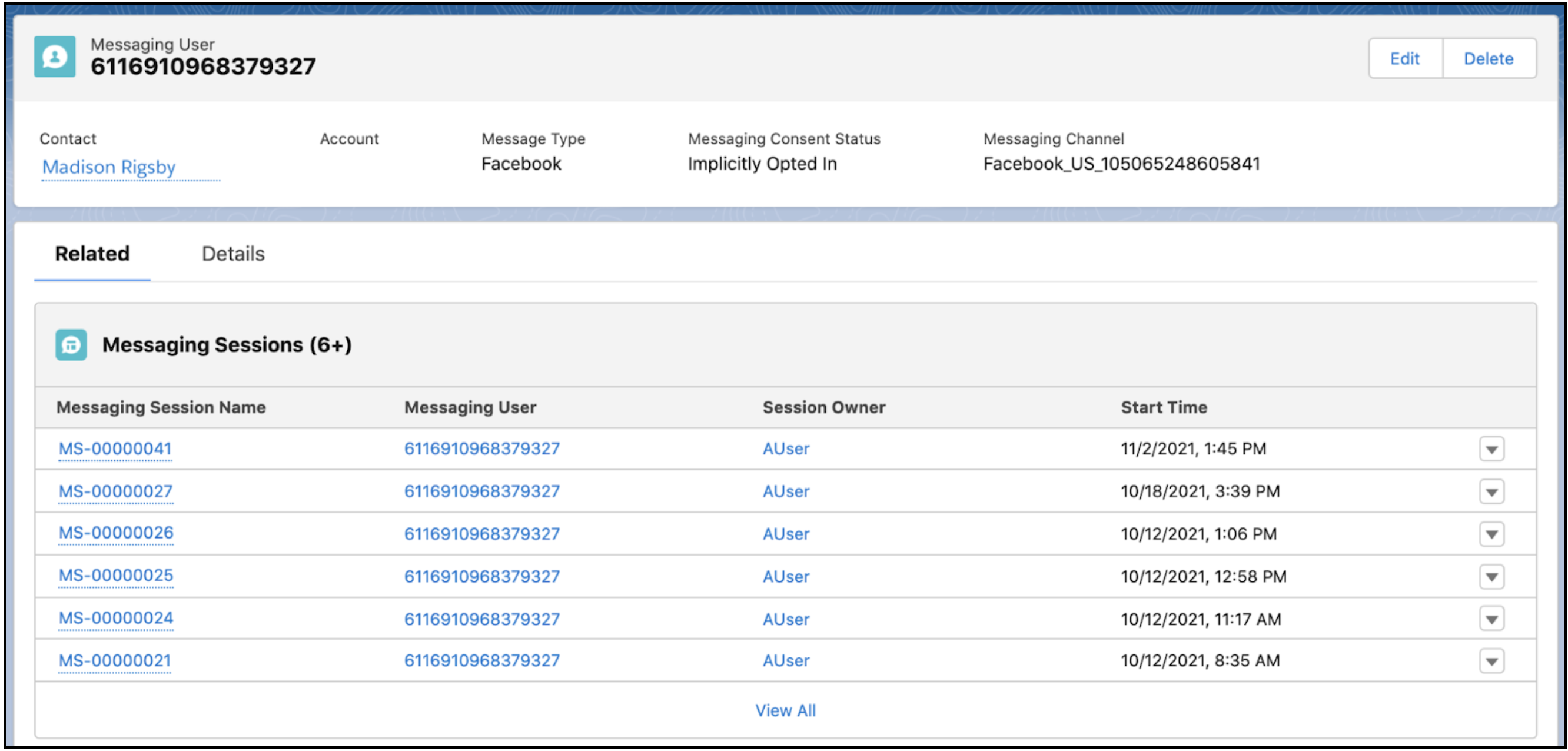
View the history of a messaging user’s
exchanges with your company in the Messaging Sessions related list.
- Create Messaging Users
Salesforce automatically creates messaging user records for customers when they message your business. However, you can also mass-create messaging user records for WhatsApp and SMS channels.
- Messaging User Fields
Messaging user records represent a link between a messaging channel and a user. The messaging user record includes details like the customer’s name, phone number or Facebook name, and consent status, and allows you to quickly review all messaging sessions that took place with the customer in a channel.