
Turn on Messaging in Agentforce Service (formerly Service Cloud) so that service reps can communicate with customers in standard and enhanced Messaging channels. This step isn’t needed for Enhanced Chat.
Required Editions
| View supported editions. | |
 This article applies to:
|
Enhanced WhatsApp, Enhanced Facebook Messenger, Standard and Enhanced SMS, Enhanced Apple Messages for Business, Enhanced LINE, and Bring Your Own Channel |
 This article doesn’t apply to:
|
Enhanced In-App Chat or Enhanced Web Chat channels |
| User Permissions Needed | |
|---|---|
| To enable Messaging: |
View Setup and Configuration AND System Administrator |
- From Setup in Lightning Experience, enter Messaging in the Quick Find box, and select Messaging Settings.
-
Turn on Messaging.
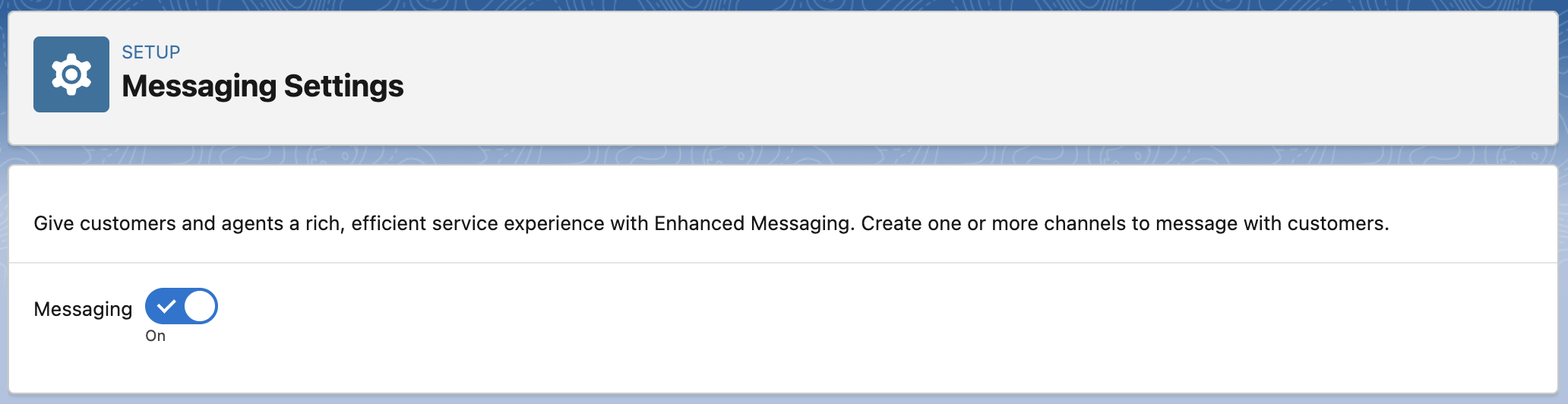
The Digital Engagement add-on license creates Messaging permissions, Setup pages, and objects, such as the MessagingSession and MessagingEndUser objects. It also allows you to create Messaging channels so your service team can help customers over WhatsApp, Facebook Messenger, Apple Messages for Business, LINE, and SMS. After you turn on Messaging, create one or more Messaging channels using the New Channel guided setup flow on the Messaging Settings page.
