Help users self-serve and find solutions quickly with the Knowledge Detail, List, and
Related List pages in enhanced LWR sites. Create Knowledge pages and show users your published
knowledge articles from your enhanced LWR Self-Service Portal.
Required Editions
Before you add Knowledge to your Self-Service Portal:
- Make sure Knowledge is enabled
- Create an enhanced LWR site
- Enable Allow guest users to access public APIs in the site’s
Administration workspace, under preferences to give access to guest users
-
In Setup, from the Quick Find box, enter Digital Experiences, and
then select Sites.
-
Find your enhanced LWR site and select Builder.
-
Under Pages, select New Page.
-
Select Object Pages as the page type.
-
Under Objects, select Knowledge.
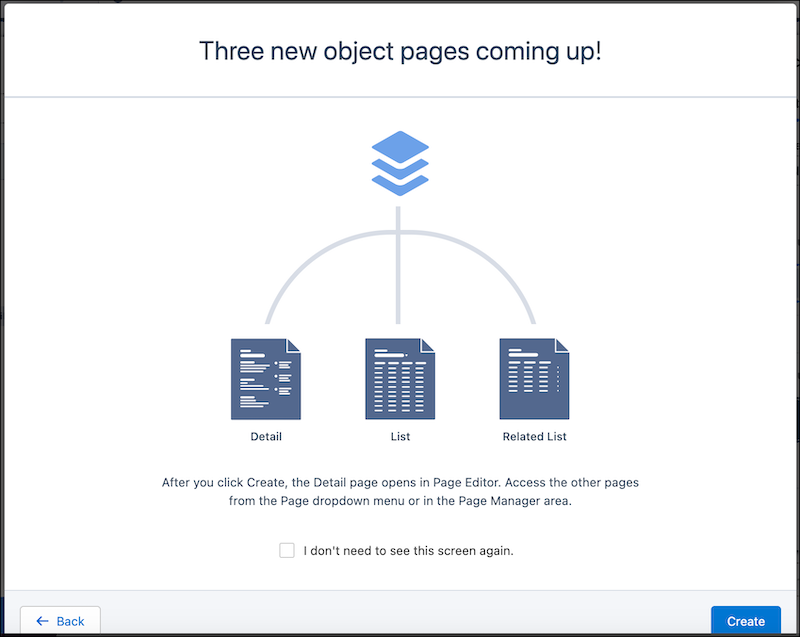
Three Knowledge pages are created: Detail, List, and Related List.
-
Select Create.
Now that your Knowledge pages are created, add components and customize them.