
Customer Service Incident Management provides a series of sample flows that you can customize and activate to streamline your incident resolution process.
Required Editions
| View supported editions. |
Close Change Request & Related Issues
To cut down on repeat tasks when an incident is resolved, automatically close a change request and its related issues, like cases, problems, and incidents.
For example, when a support rep is ready to mark a change request as complete, the support rep can use the Close Change Request & Related Issues flow from the Actions & Recommendation component on the change request.
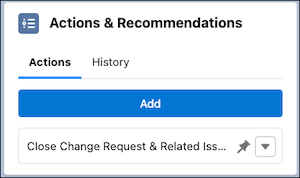
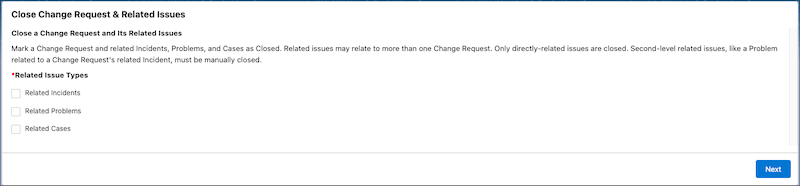
After they launch the flow, a screen appears that asks them to select which related issues to close.
Change Case Owner to Incident Owner
When cases are identified as part of an overarching incident and to avoid duplicative work, automatically change the case owner to the incident owner.
For example, a support rep sees an influx of cases coming in that are marked as related to an ongoing incident, but notices that the case owner and incident owner aren’t the same. The support rep can use the Change Case Owner to Incident Owner flow from the Actions & Recommendations component on the incident.
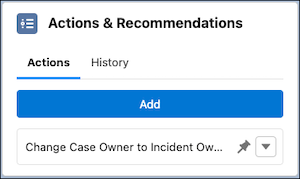
After they launch the flow, a screen appears to confirm that they want to change the owner of the cases to the incident owner.
