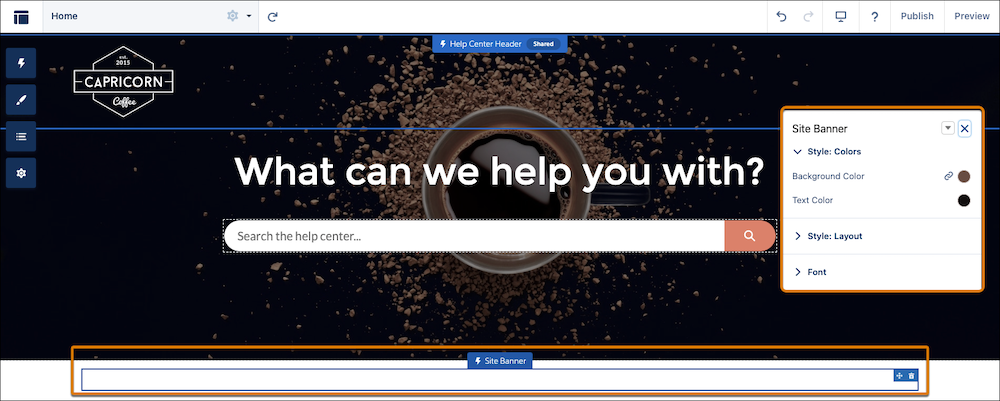
To let users add a banner to your Aura and LWR sites, add the Site Banner component to
your site in Experience Builder. You can also customize the look and feel of your
banner.
Required Editions
-
From Setup, in the Quick Find box, enter Customer Service Incident
Management, and then click Customer Service Incident
Management.
-
Under Set Up Broadcast Site Banner, find Add Banner to Sites, and select Go to
Digital Experiences.
-
Find the sites that you assigned broadcast topics to and select
Builder.
-
From the Components panel, select Site Banner, and add it to your
site layout.
-
Optionally, configure the site banner height, font, and colors.
-
Publish your changes.
Now that broadcast site banners are set up, give your users access.