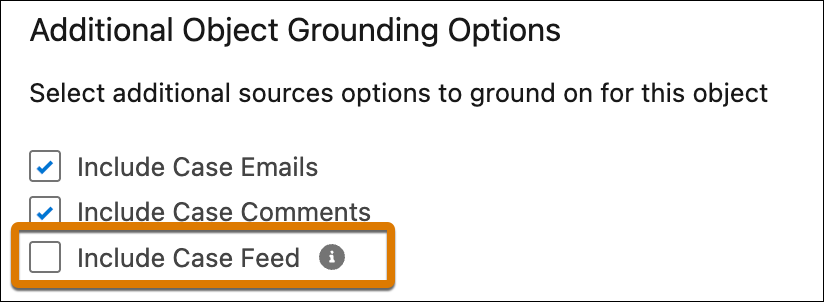
Case Feed includes direct text entry and posts with attached links and files. A higher
number of grounding posts will increase token costs and case summary generation times. To
mitigate this, we limit grounding posts to a maximum of 100.
Required Editions
Review these limitations and considerations before using Case Feed as a grounding
source for Case Summaries.
- Attachments, including PDFs, Excel files, Word documents, and images, don’t appear in
Case Feed posts or comments.
- Images added directly to the Case Feed post appear as a text placeholder, regardless of
the file type. For example, [Image: Screenshot 2025-11-07 at 15.02.37].
- Links added to Case Feed posts show the title and the full URL. For example, Title:
help.salesforce.com and URL:
https://help.salesforce.com/s/articleView?id=service.service_learn.htm&type=5
To include case feed as a grounding source to generate case summaries, select
Include Case Feed. By default, this checkbox is deselected. Case
Feed is only available for Case Summary grounding.