To create swarm reports, use the out-of-the-box Service Cloud Swarming Reports and
Dashboards AppExchange package, or create one of three report types. The package preconfigures
report types, delivers several Swarming reports, and includes a complete swarming
dashboard.
Required Editions
-
To use the out-of-the-box Swarming reports and dashboards, install the AppExchange package.
-
To manually create a Swarming report, choose one of the following report types:
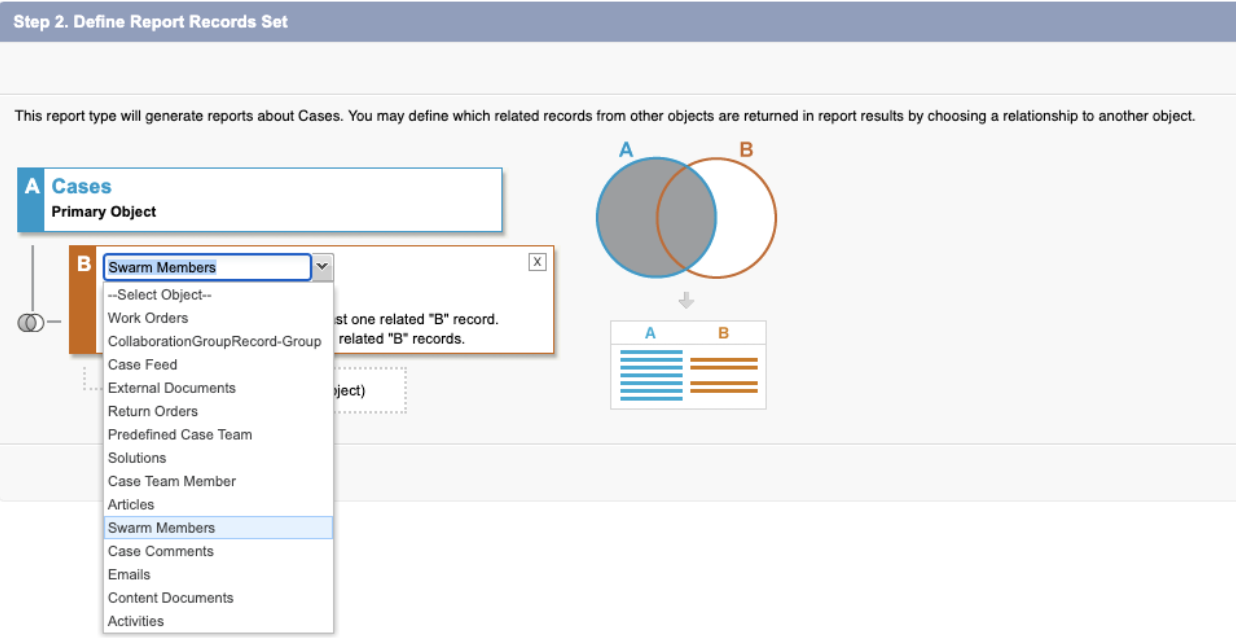
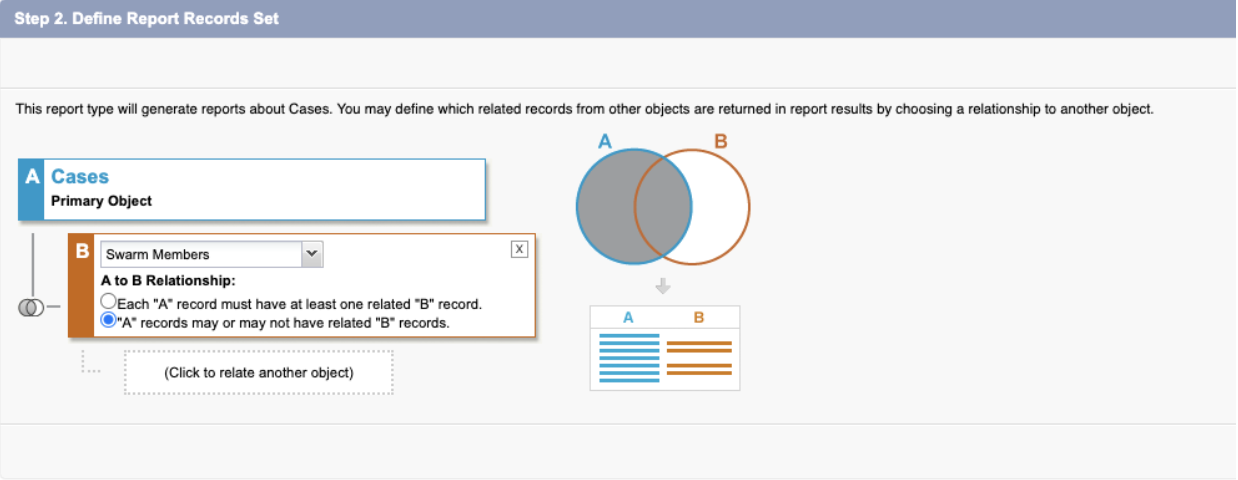
The Case report type uses Swarm Member as a secondary relationship so support reps can
add the Case Owner and Swarm details by using a lookup field.
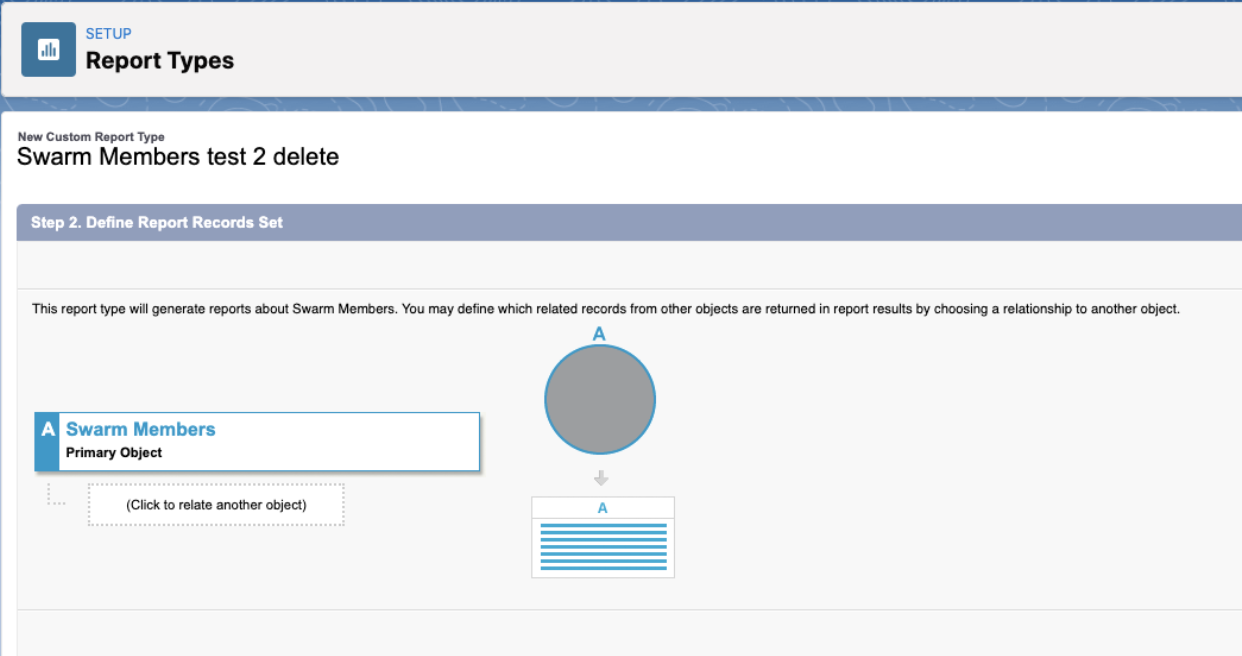
The Swarm Member report type uses Swarm
Member as the primary relationship to add information such as Case ID, Swarm Owner, and
other swarm details by using a lookup field.
The Swarm report type uses Swarm as
the primary relationship to add information such as Case ID, Swarm Owner, and other
swarm details, but only Owner lookup fields are available.
-
From Setup, in the Quick Find box, enter Reports and
Dashboards, and then select Report Types.
-
Select the report type (Cases, Swarm, or Swarm Member).
-
Assign a secondary relationship to the report.
-
Save your changes.