
Add channel-object linking rules to your org with a quick guided setup flow.
Required Editions
| View supported editions. |

Where to Access the Setup Flow
This flow is available from Service Setup in Lightning Experience. You can get to Service Setup by clicking gear icon and selecting Service Setup. Service Setup isn't available in orgs created in Spring '26 or later.
From Service Setup, enter Channel-Object in the Quick Find box, and select Channel-Object Linking. From the Channel-Object Linking setup page, click New Linking Rule.
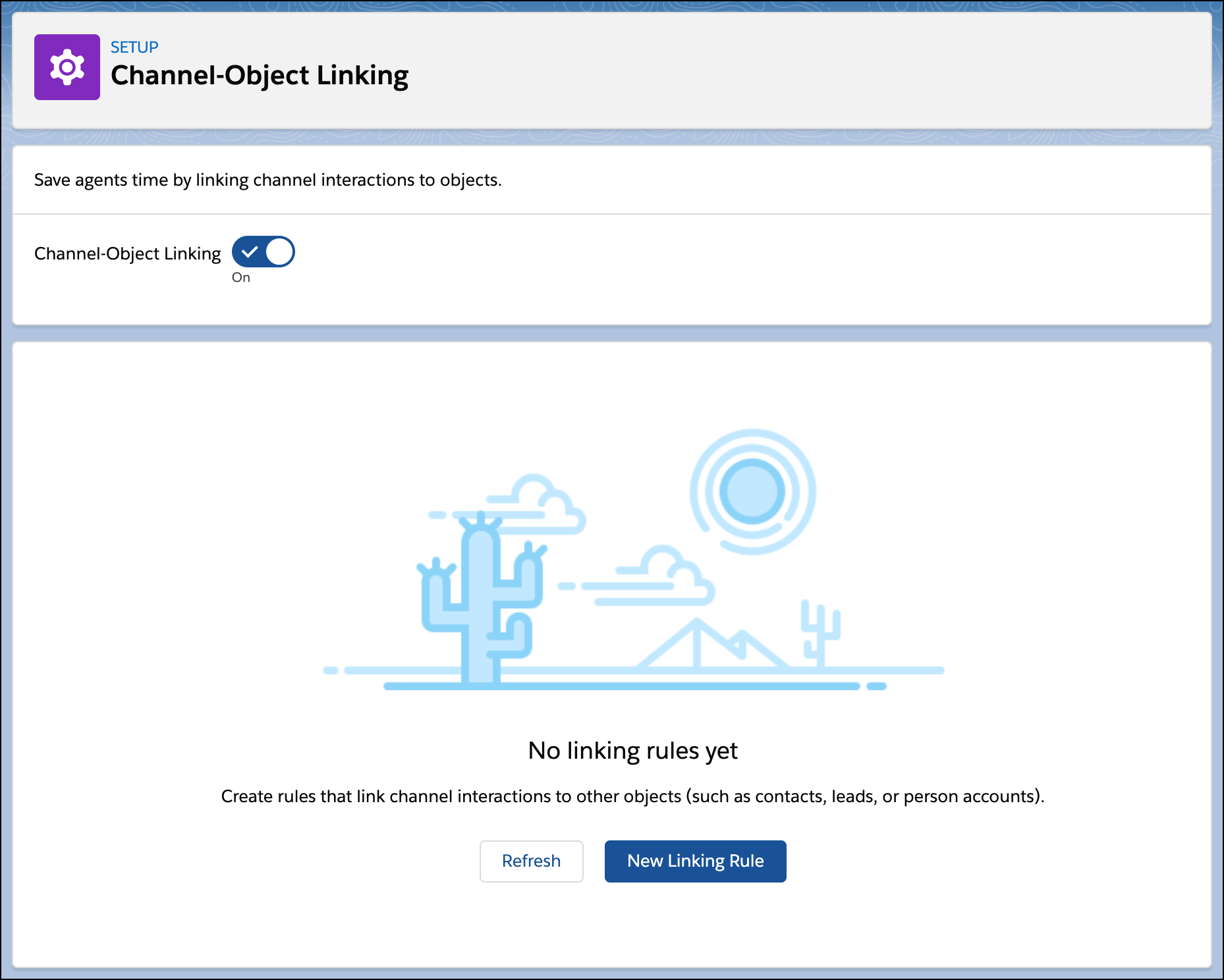
What Does This Flow Do?
With this flow, you can create rules to link channel interactions to objects such as contacts. After you select the channel type (for example, Facebook Messenger) and the object type to link to (for example, Contact), then you can define the linking logic. The logic is different depending on how many matches are found.
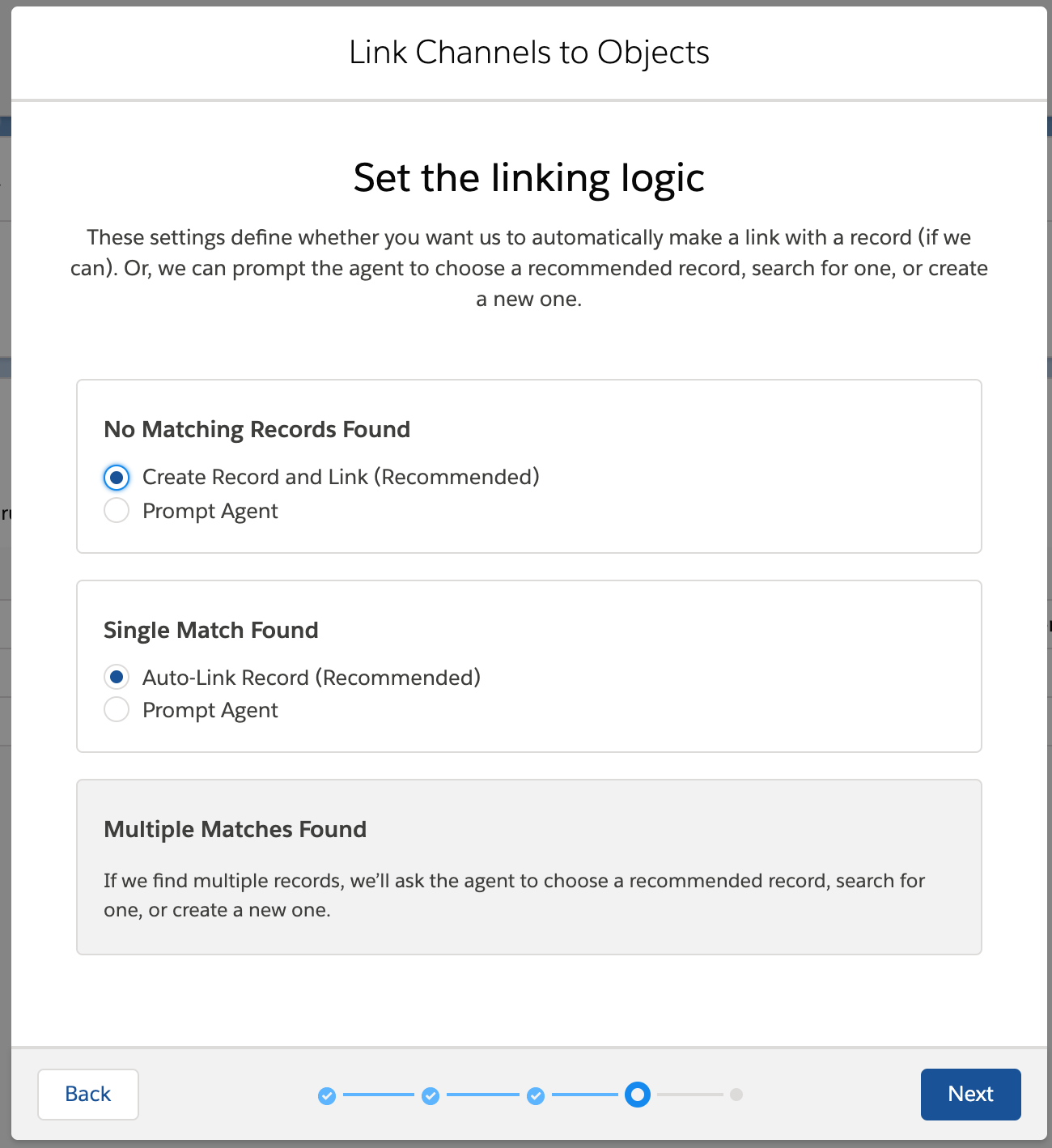
If no match is found, you can either have the rule automatically create and link a record, or prompt the service rep to search for or create a record.
If a single matching record is found, you can either have the rule automatically link the record, or prompt the service rep to pick the suggested record, search for a record, or create a record.
If there are multiple matches, the system always prompts the service rep to pick from a list of suggested records, search for a record, or create a record.
Matches are determined on a channel-by-channel basis with the following information.
| Channel Type | Information Used to Match |
|---|---|
| Facebook Messenger | User Name |
| Phone | Phone Number |
| Text (SMS) | Phone Number |
