
To get started, enable Einstein Classification Apps in Setup.
Required Editions
| View supported editions. |
| User Permissions Needed | |
|---|---|
| To build and manage Einstein Case Classification and Einstein Case Wrap-Up: |
View Setup AND Customize Application AND Manage Profiles and Permission Sets AND Edit on cases OR Modify All Data |
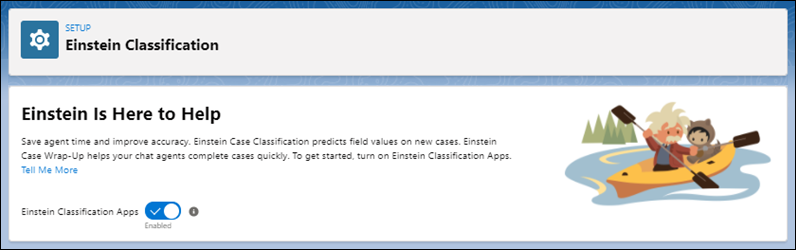
- From Setup, enter Einstein Classification in the Quick Find box, and then select Einstein Classification.
- If you’re using the Try Einstein version, click Review Terms to review and accept the Main Services Agreement.
- To enable the classification apps, click the toggle. Enabling can take a few minutes.

Note If you disable classification apps, you must rebuild your models the next time you enable
them.