
To get started, turn on Work Summaries.
Required Editions
| View supported editions. |
| User Permissions Needed | |
|---|---|
| To build and manage Einstein Work Summaries: |
View Setup AND Customize Application |
To use generative AI with Einstein Work Summaries, first turn on Einstein Generative AI.
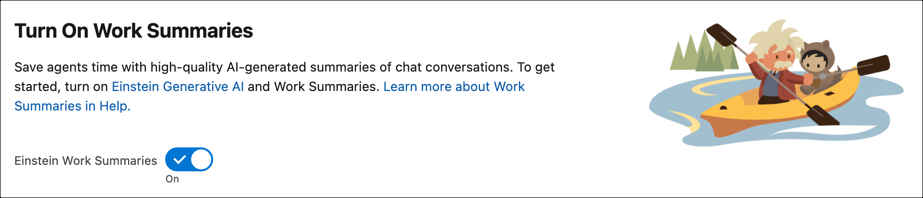
- From Setup, in the Quick Find box, enter and select Einstein Work Summaries.
-
Turn on Einstein Work Summaries. Work Summaries uses a generic model that doesn’t
require separate model training.
- To generate work summaries for enhanced messaging sessions and voice calls in the language set in the user’s locale settings, turn on Summary in User Language.
Next, select the channels where you want to add summaries.