
To quickly start using case management, we recommend turning it on in Salesforce Go. When you turn on Case Management in Salesforce Go, these settings become active.
Required Editions
| Salesforce Go is available in Lightning Experience |
| Available in: Pro Suite, Professional,Enterprise, Unlimited, and Developer editions with Agentforce Service (formerly Service Cloud) |
Where To Find Salesforce Go
In Setup, click Salesforce Go at the top of the Setup menu. Then, search for Case Management.
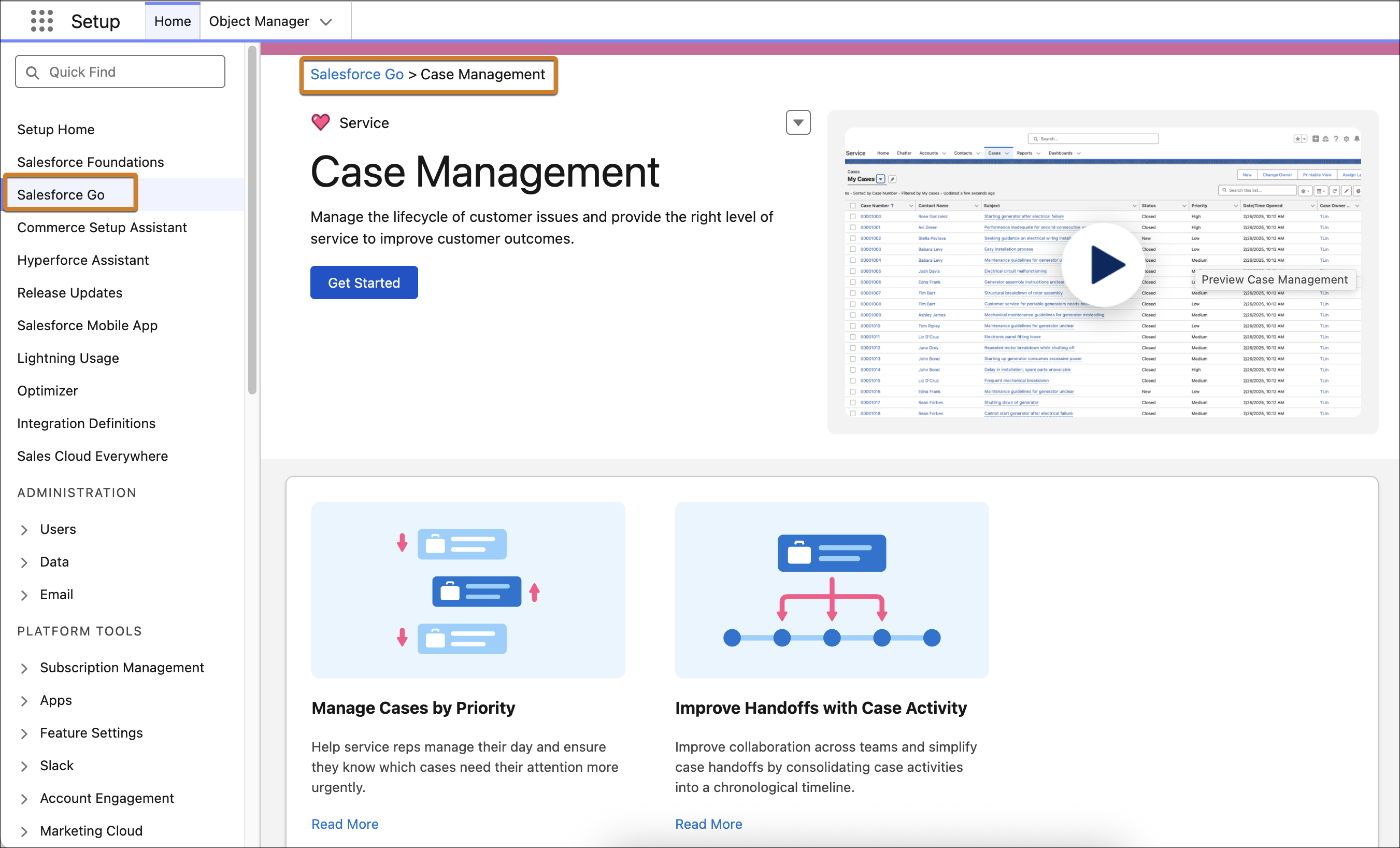
Default Settings
Case Management is a dependent step in other features you turn on, so it's important to understand its effects when enabled.
| Setting | What It Does | Considerations |
|---|---|---|
| Create Case Status picklist values |
Create values for the Status field on cases. The values can be used for case merging, status-based email notifications, and other features.
|
Adds sample data. You can modify or delete the values or add your own. |
| Enable case owner notifications for new case comments | Notifies the case owner when a user adds a public or private comment to a case. If you select this setting, case owners can't opt out of receiving these notices. Notices aren't sent to inactive case owners. | You can turn off this setting without affecting other Support Settings. |
| Create sample email templates | Creates the Case Created or Updated (Sample) and the Case Assigned (Sample) email templates. | Critical templates used for Web-to-Case when it's turned on. You can edit this setting and templates but they're used across channels. |
| Enable case merge | Lets support reps merge cases and lets developers use the API to merge cases. | You can turn off this setting without affecting other Support Settings. |
| Create sample queues | Creates Escalation, General, and Priority queues, which lets users manage and distribute work. | You can modify or delete the queues. |
| Create sample case assignment rules | Creates an assignement rule named Priority. | You can modify or delete the assignment rule. |
| Create sample case escalation rules | Creates an escalation rule named New High Priority Case Over 2 Hours. | You can modify or delete the escalation rule. |