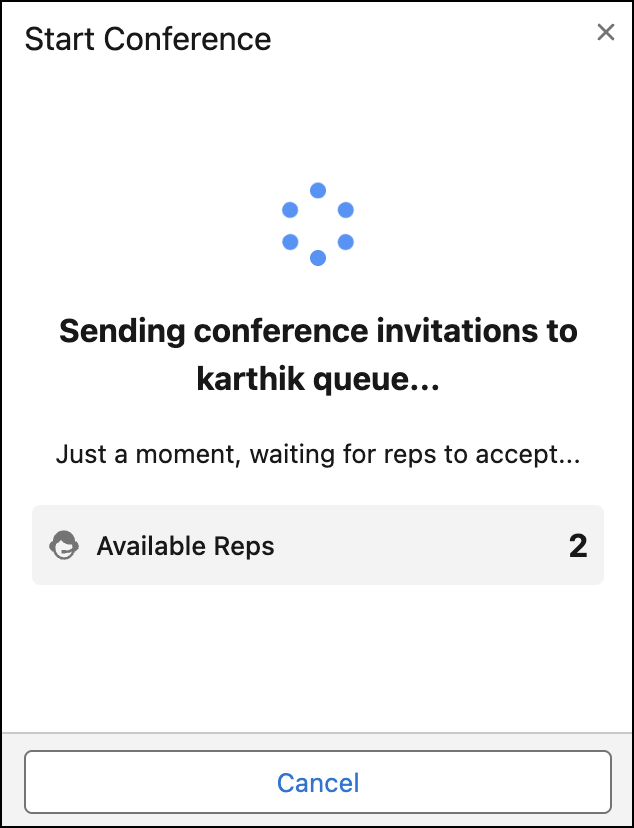
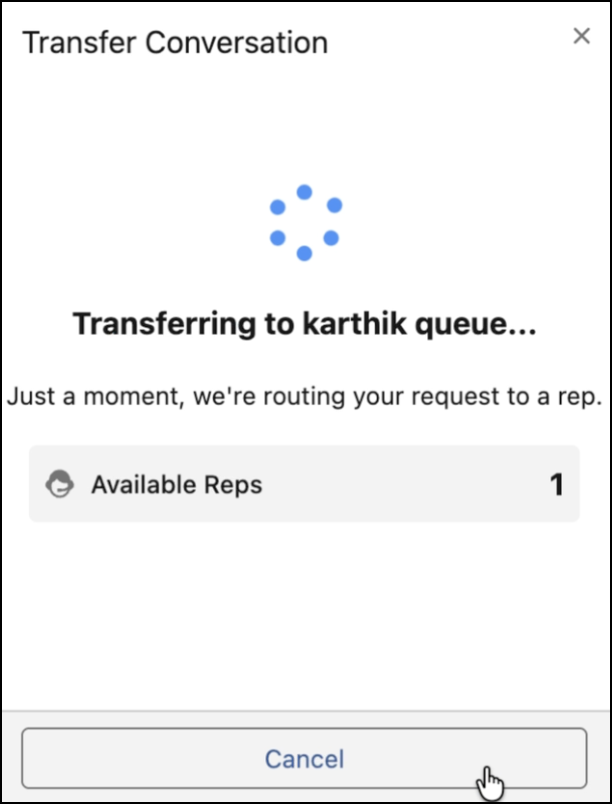
You can monitor transfer routing details — including destination queue names and agent
availability — and cancel transfer or conference requests directly from the transfer dialogue
box.
Required Editions
The updated transfer pages provide complete visibility into the routing process, ensuring you
know exactly where a conversation is headed:
- The page explicitly displays the name of the specific routing destination queue during
transfers and conference invitations.
- The page shows the total number of available agents currently in the destination queue,
helping you gauge wait times.
Conference calls require explicit acceptance — if no agent in the queue accepts the
invitation, the requester remains on the loading page until the session times out. Call
transfers don't require acceptance. Once an agent initiates a transfer, the loading page
disappears within seconds and the call waits in the queue.
Cancel a Transfer Request
If a transfer or conference invitation is
no longer needed, users can stop the routing process without waiting for it to time out.
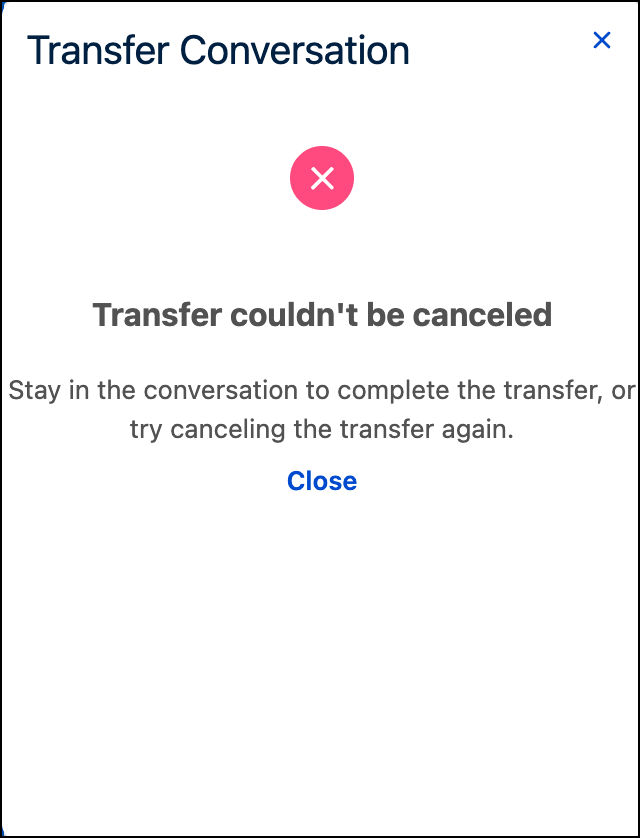
- Cancel the request directly from the transfer dialogue box.
- If a cancellation request fails, a clear error message will appear in the dialogue box
to guide you on the next steps.