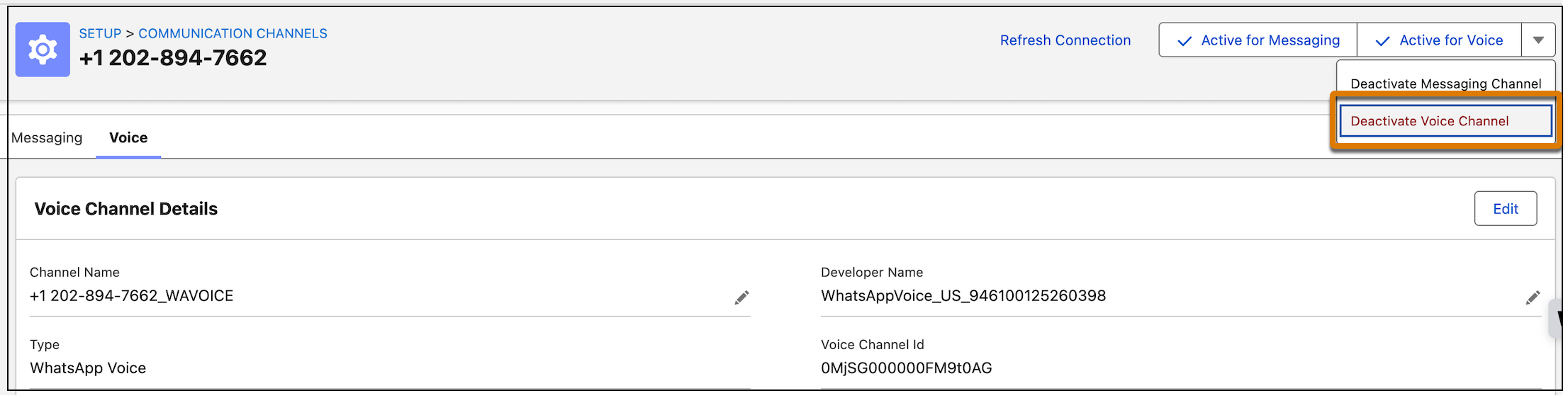
Deactivate the selected voice channel to ensure agents can no longer use it for
communication. To reuse the channel, you must activate it again.
Required Editions
This article applies to:
Salesforce Voice (Native Telephony)
-
From Setup, use Quick Find to go to Communication Channels.
-
In All Channels, click the WhatsApp voice channel you want to deactivate.
-
Click the dropdown and select Deactivate Voice Channel.