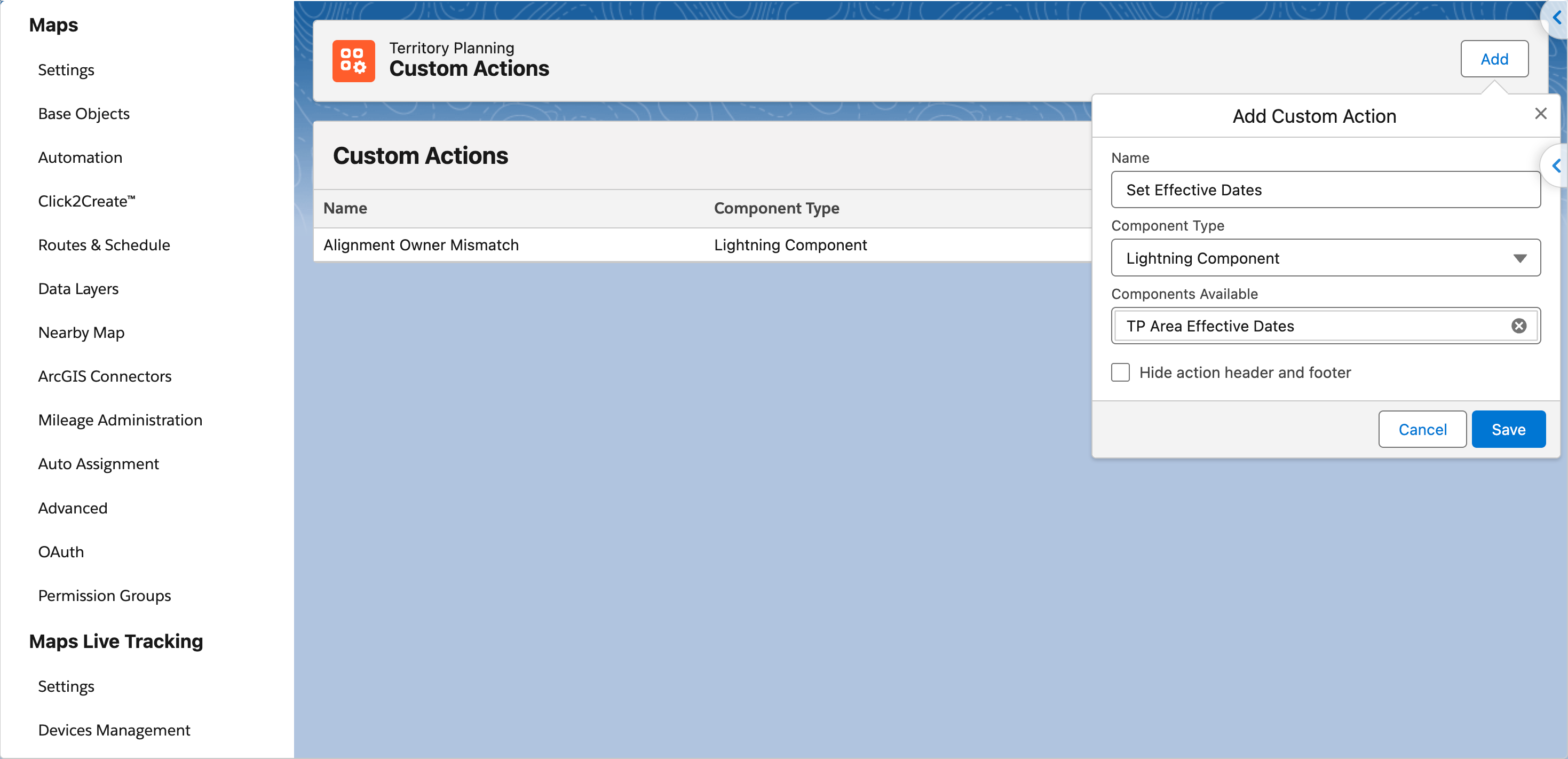
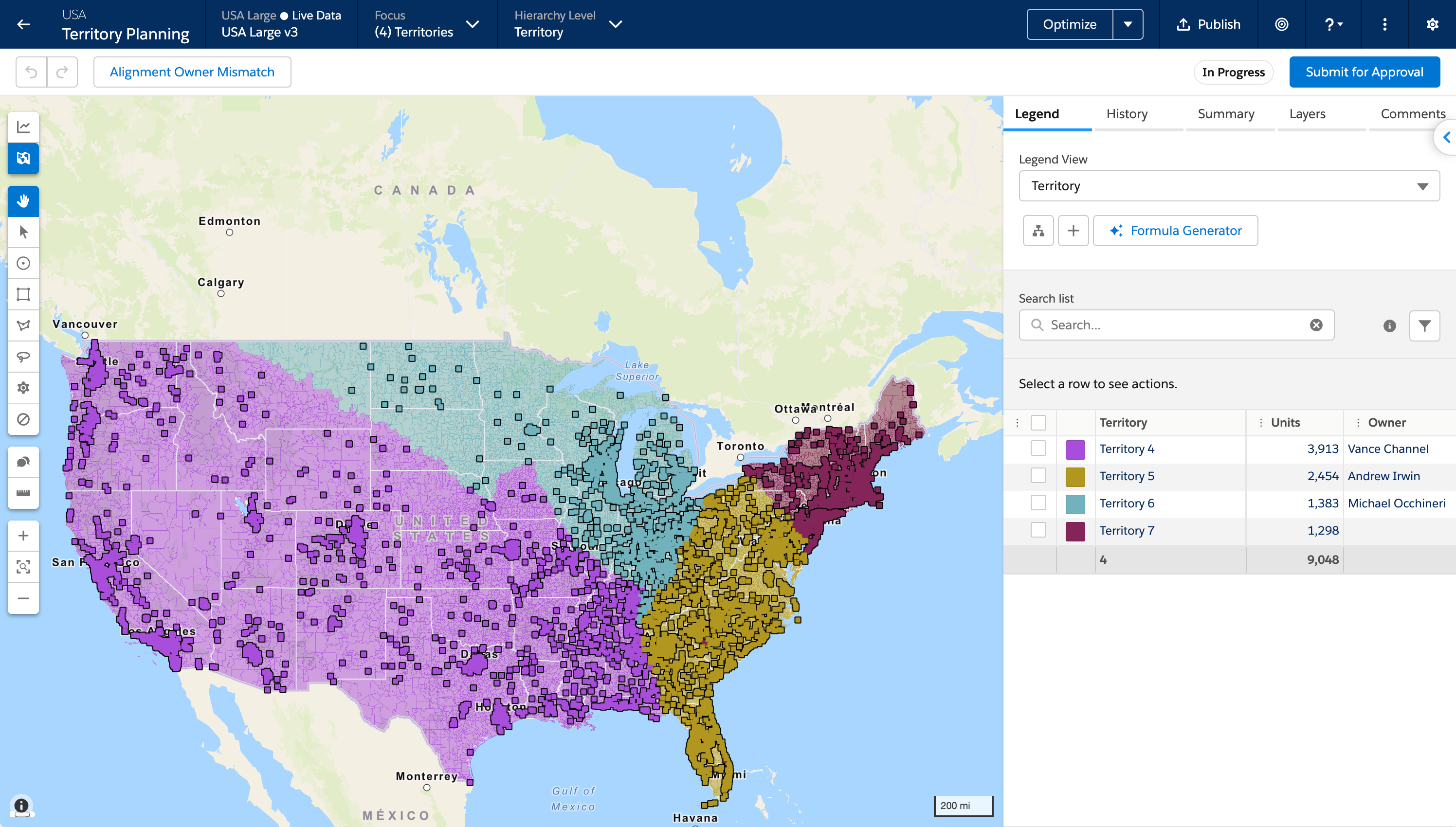
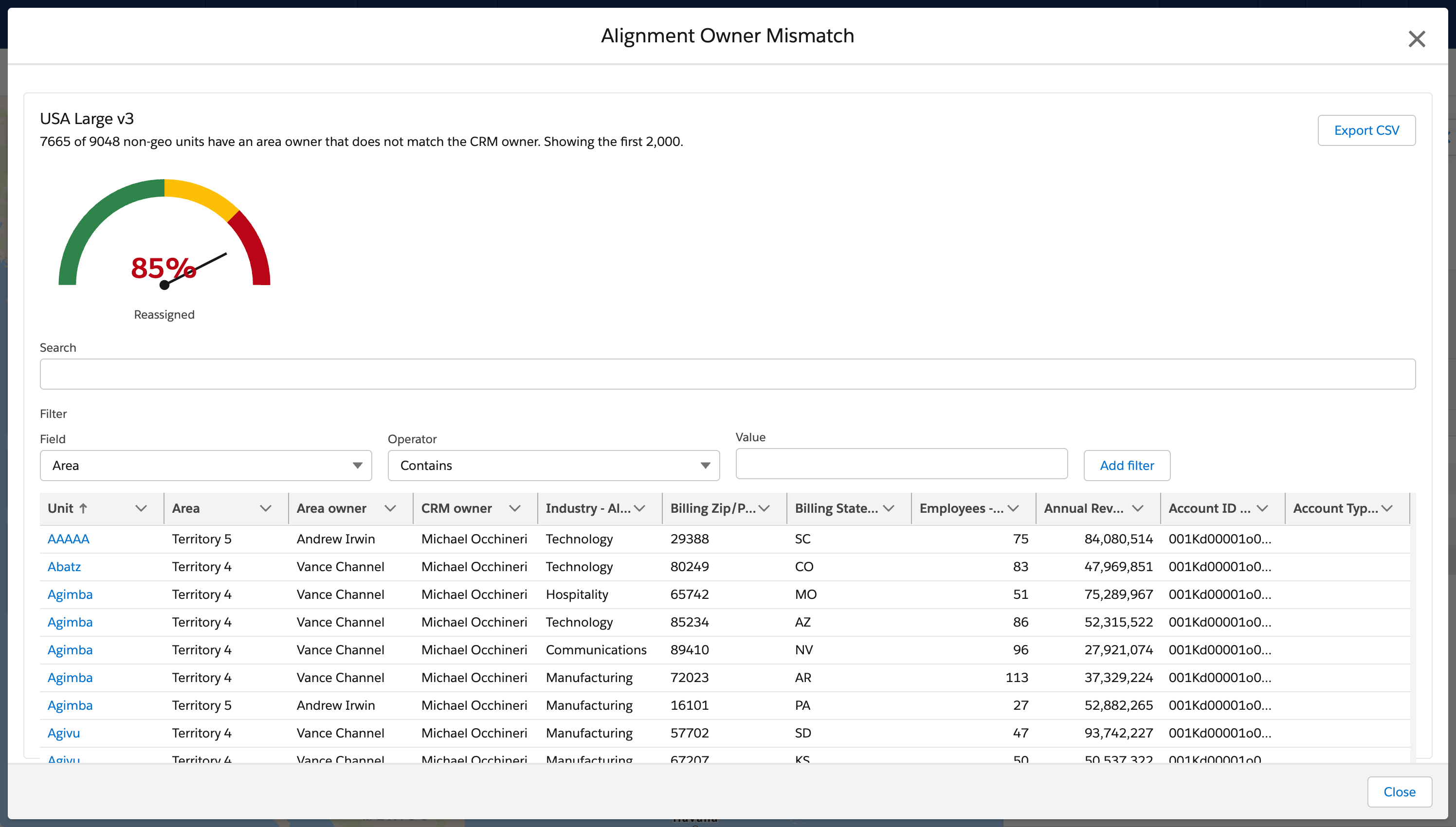
Add a Lightning web component or a flow as a custom action so your planners finish planning work from an alignment. You name the action and select the component or flow. Your planners start the action from the alignment toolbar. The action opens in the alignment and passes the alignment ID and the current focus to the component or flow.
Where: This change applies to Lightning Experience in Enterprise, Performance, and Unlimited editions. A Sales Planning add-on license is required.
When: This change is available in sandbox orgs in late October 2026 and in production orgs in early November 2026.
How: On the Maps configuration page, under Territory Planning, open Custom Actions and select Add. Name the action, select Lightning web component or Flow, and select the component or flow. Your planners open an alignment and run the action from the toolbar. When more than one action is available, the actions appear in a menu.