Embed Lightning reports directly in your Lightning Web Runtime (LWR)-based Experience Cloud sites with a native Lightning web component. Users can then create charts and tables, apply conditional formatting, view trend reports, collaborate with Chatter, and edit records inline without leaving the Experience Cloud site. Previously, Lightning reports were available only in Aura-based Experience Cloud sites.
Where: This change applies to Lightning Experience in Professional, Enterprise, and Unlimited editions, and to LWR sites accessed through these editions.

How: From Setup, in the Quick Find box, enter Reports and selectReports and Dashboards Settings. Then, select Show Lightning reports in Lightning Web Runtime (LWR)-based Experience Cloud sites (Beta).
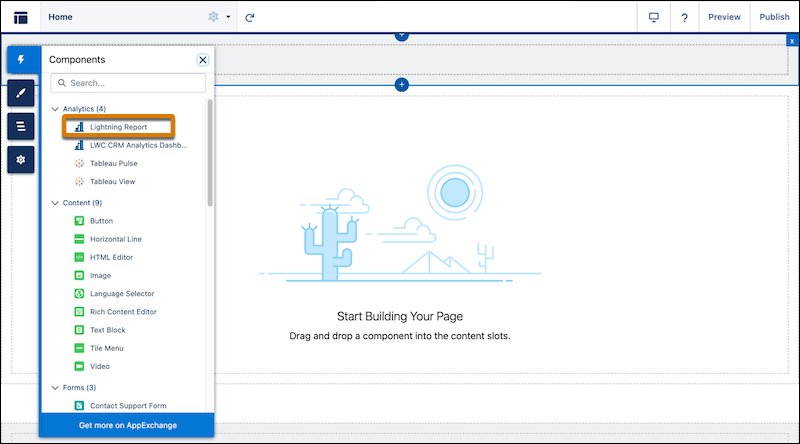
Then, in Experience Builder, drag the Lightning Report component from the Components section to an LWR page. Enter the report ID.