Embed Lightning Dashboards in Your Lightning Web Runtime Experience Cloud Sites (Beta)
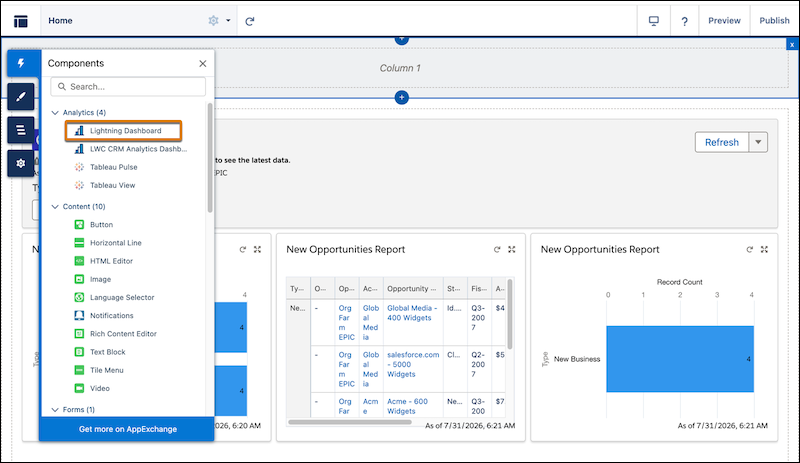
Bring Lightning dashboards to Lightning Web Runtime Experience Cloud sites with a native Lightning web component. Users can then view widgets, update filter values, and refresh individual widgets or the entire dashboard. Previously, Lightning dashboards were available only in Aura-based Experience Cloud sites.
Where: This change applies to Lightning Experience in Professional, Enterprise, and Unlimited editions, and to LWR sites accessed through these editions.

How: From Setup, in the Quick Find box, enter Reports and select Reports and Dashboards Settings. Then, select Show Lightning dashboards in Lightning Web Runtime (LWR)-based Experience Cloud sites (Beta).
In Experience Builder, drag the Lightning Dashboard component from the Components section to an LWR page. Enter the dashboard ID.