Offer discounted member pricing on the POS app to keep loyal customers coming back and encourage more membership signups. When a store associate loads a member profile or scans a membership card at checkout, eligible items automatically switch to member pricing. Any manual price overrides that have been implemented are automatically recalculated after the switch to member pricing, so associates can spend less time adjusting prices and more time serving customers.
Where: This change applies to Point of Sale.
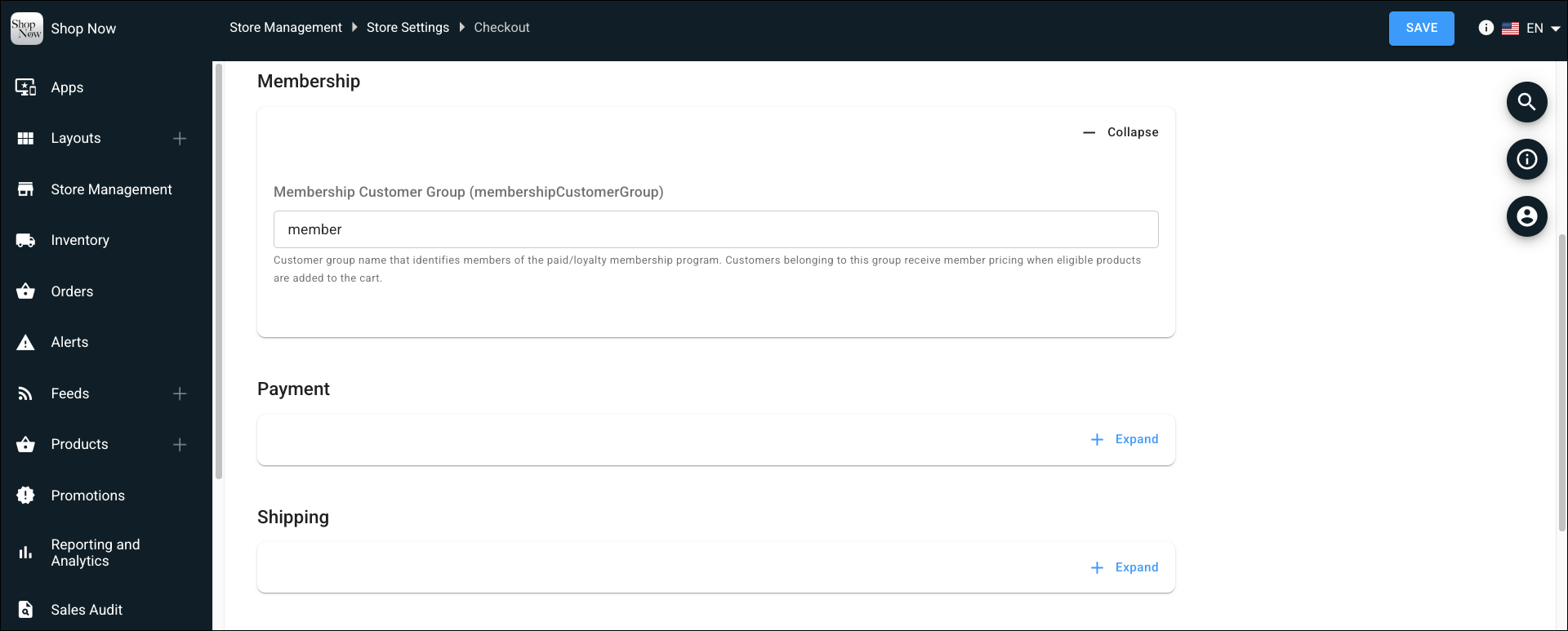
How: In CMS, go to Store Management | Store Settings | Checkout | Membership. In the Membership Customer Group field, enter the name of the customer group you want to treat as members.