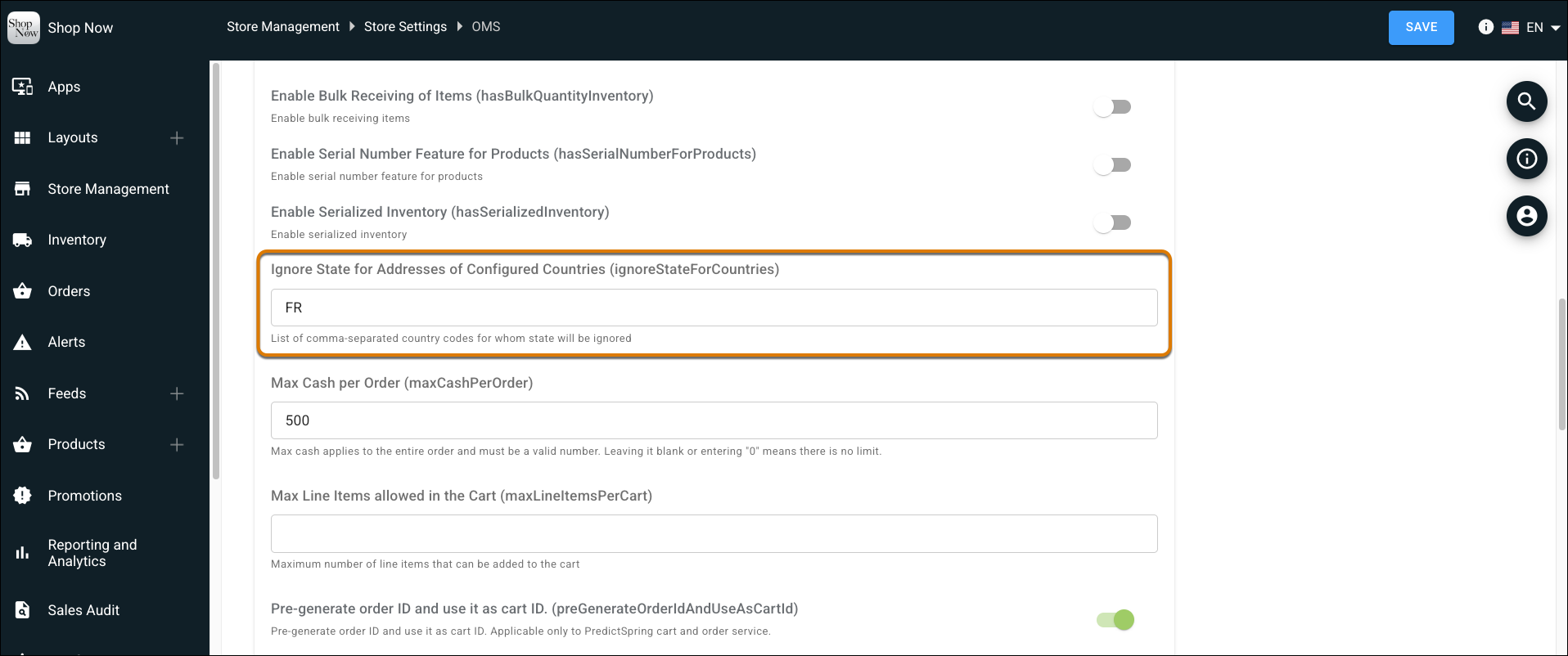
Point of Sale now skips the state field for countries that don't require one. Previously, every address needed a state regardless of country, which slowed down checkout and risked incorrect data. Now, the address form adjusts automatically based on the country the store associate selects, so the associate can complete a shipping or billing address faster.
Where: This change applies to Point of Sale.
How: In CMS, go to Store Management | Store Settings | OMS | Advanced. In the Ignore State for Addresses of Configured Countries field, specify the 2-character country ISO codes (comma-separated) for the countries that don't require state fields on POS address forms.