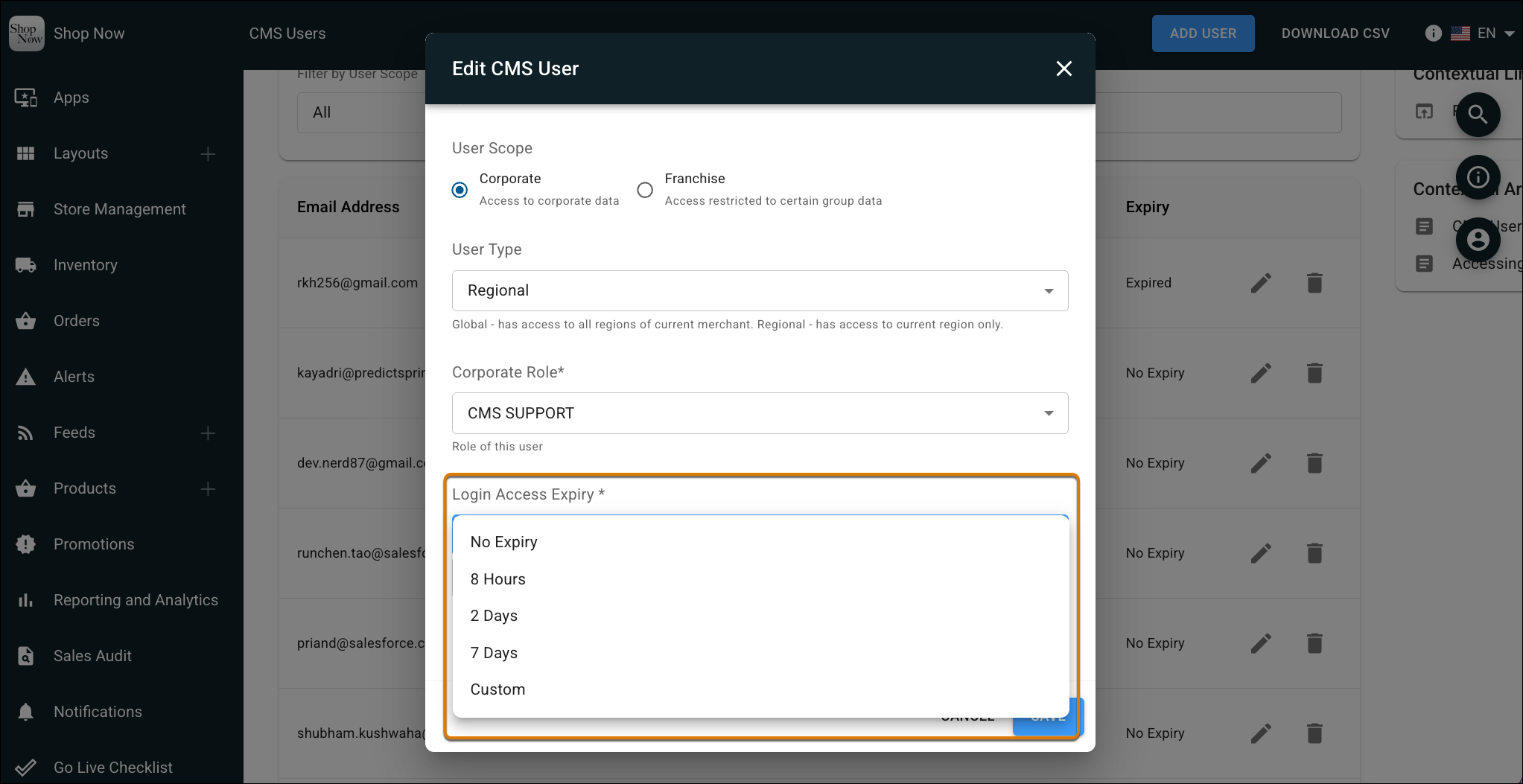
Reduce security risk and manual cleanup with new access controls for CMS users. Set expiration periods to automatically revoke CMS access after a set time, instead of manually tracking and deleting temporary accounts. This same update also adds a view-only CMS support role, giving your team a safer way to troubleshoot issues without granting full access.
Where: This change applies to Point of Sale.
How: In CMS, go to Advanced | CMS User Management | Users. Edit a user and configure the Login Access Expiry field.