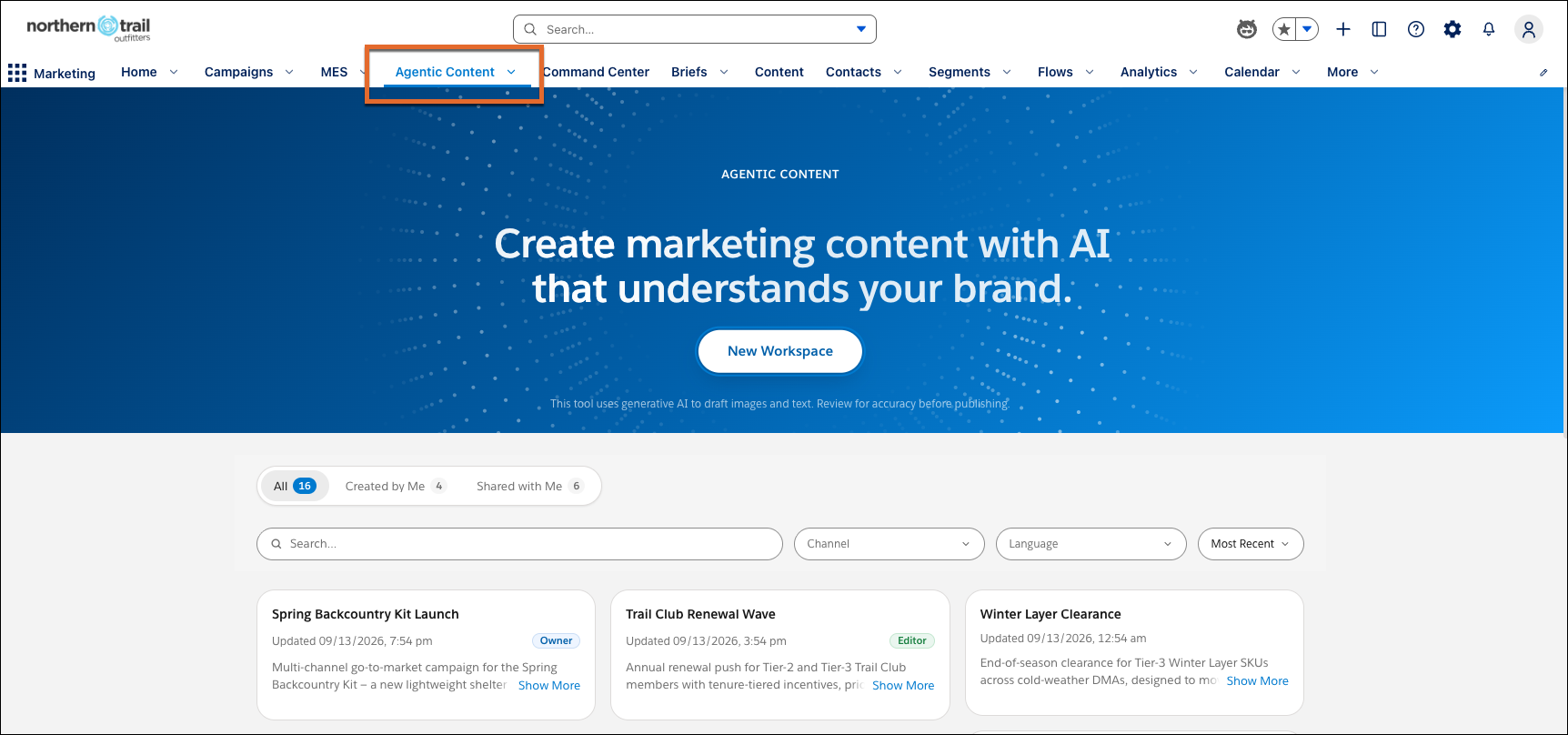
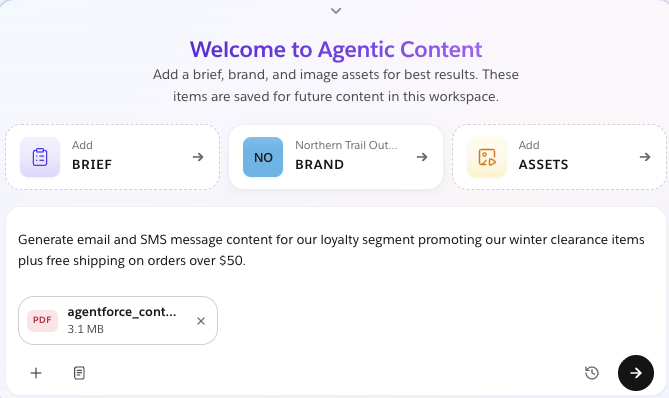
Generate, refine, and publish personalized, on-brand content and images for email, SMS, MMS, and RCS campaigns in a collaborative AI workspace. To align with campaign goals and branding, ground content in your marketing briefs, customer data, and brand guidelines. Teams can review and approve content before publishing.
Where: This change applies to Salesforce Enterprise and Unlimited editions with:
- Marketing Cloud Next Growth and Advanced editions with the Salesforce Foundations add-on
- Marketing Cloud Account Engagement Growth, Plus, Advanced, or Premium editions with the Salesforce Foundations add-on
- Any Marketing Cloud Engagement+ edition with the Salesforce Foundations add-on

How: In your marketing app, go to Agentic Content. To generate message drafts and images for your channels, create a workspace and enter a prompt that describes your campaign. Continue the conversation to modify tone, messages, and images. You can also manually edit layouts, text, and underlying code. Publish content directly to Salesforce CMS for use in campaigns.