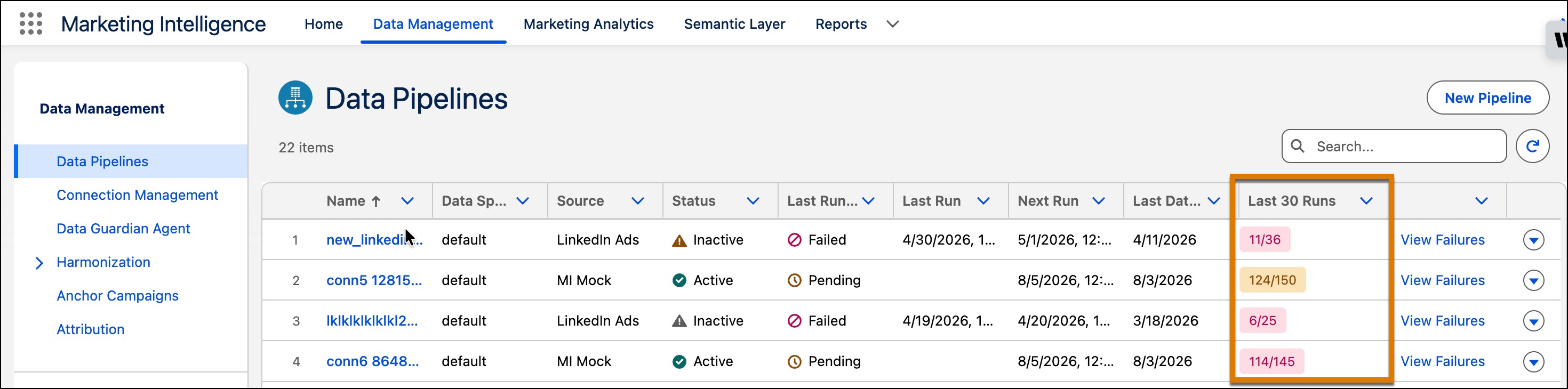
The new Last 30 Runs column shows how many of a pipeline’s last 30 runs completed successfully. Use this broader view to identify intermittent failures that can affect data freshness, even when the latest run succeeds. Open the failure details to review and reprocess failed runs.
How: In Marketing Intelligence, on the Data Management tab, select Data Pipelines and review the Last 30 Runs column.