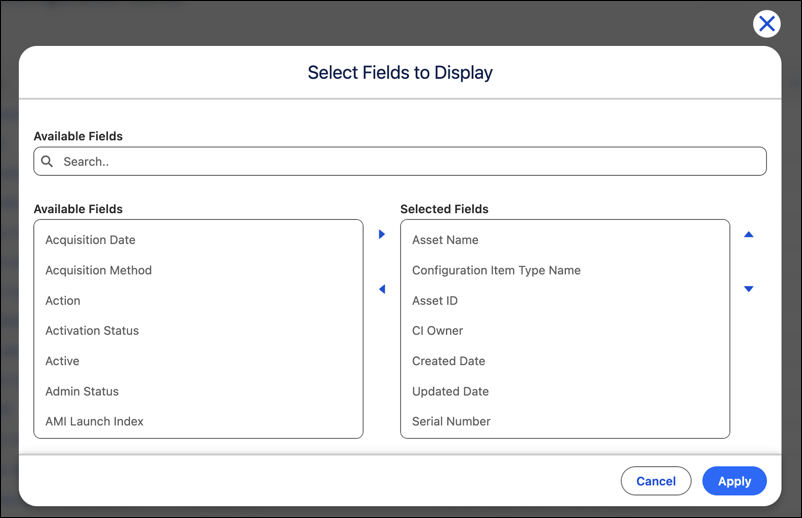
Choose which fields appear in your configuration item list view based on the information you need. Add standard or custom reference fields and open their related records directly from the list. User-level configuration gives service owners, application owners, and database administrators a focused view of the same CMDB data.
Where: This change applies to Lightning Experience in Enterprise, Performance, and Unlimited editions with Agentforce IT Service where Salesforce CMDB & Service Graph is enabled.
Who: Users with any CMDB permission set can configure their configuration item list views.
Why: You can configure your CI list view to display the fields relevant to your role. Find the details you need without opening individual CI records.
How: From the Salesforce CMDB & Service Graph app, go to All Configuration Items. Use the list view configuration action to select the fields that you want to display. Reference fields in the list view link to their related records.