
Enable Accessibility Enhancements for Date Pickers, Popovers, Bottom Utility Bars, Record Headers (Release Update)
To help meet Web Content Accessibility Guidelines (WCAG) 2.2 for Resize and Reflow, enable Lightning Experience to adapt the behavior of date pickers, popovers, bottom utility bars, and record headers when viewed at high magnification. This release update is dependent on the Enable Accessibility Enhancements for Page Headers and Modal Windows When Zoom Is Greater Than 200% release update. Make sure to enable that update first. This update was first available in Winter ’26 and was scheduled to be enforced in Summer ’26, but we postponed the enforcement date to Winter ’27.
Where: This change applies to Lightning Experience in all editions.
When: Salesforce enforces this update in Winter ’27. To get the major release upgrade date for your instance, go to Trust Status, search for your instance, and click the Maintenance tab.
Why: With this update, content displays correctly in date pickers, popovers, bottom utility bars, and record headers for users who view Salesforce via a browser at 200% magnification or greater.
Without this update, these parts of the Salesforce UI aren’t compliant with WCAG 2.2 guidelines for Resize and Reflow. Content potentially displays only partially.
These changes help you support users with visual impairments.
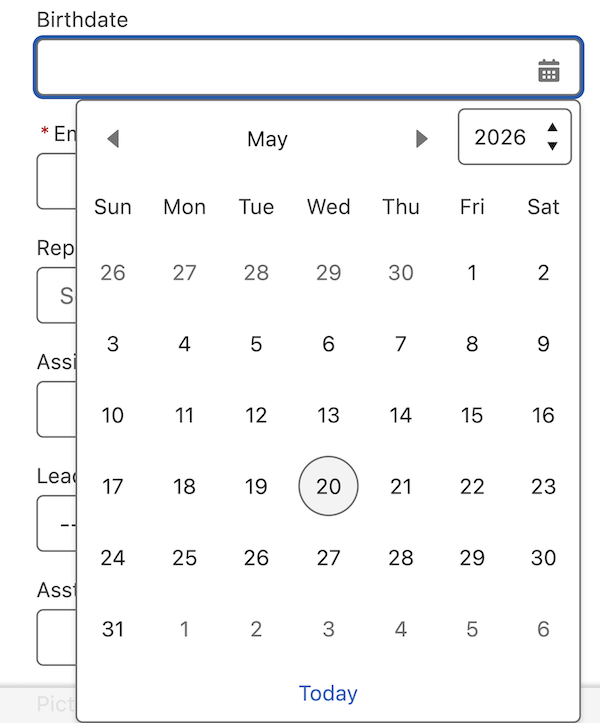
- Date pickers are accessible and usable at 1280px page width and 400% magnification.
-
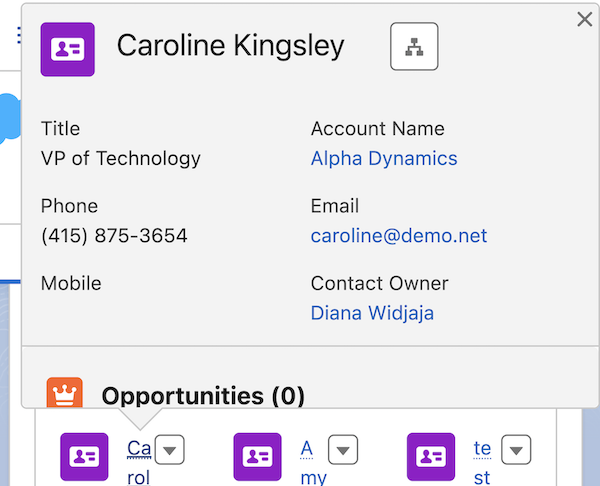
- Popovers are accessible and usable at 1280px page width and 400% magnification.
-
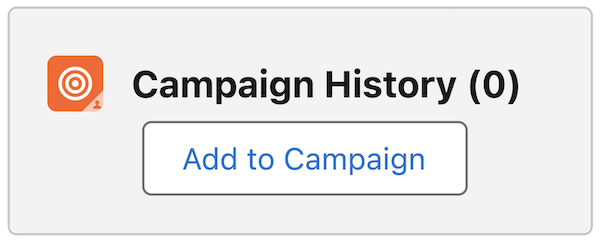
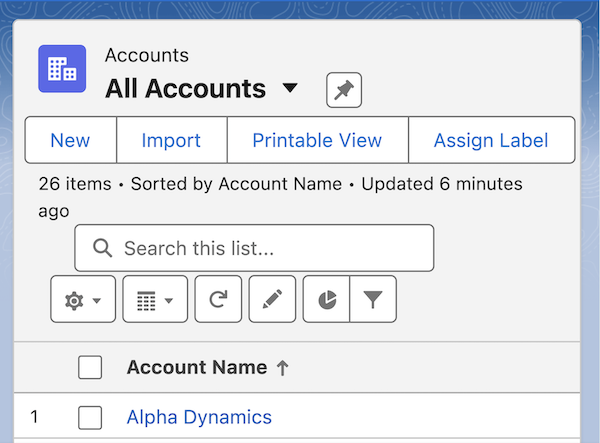
- Record list view headers are accessible and usable at 1280px page width and 400% magnification.
-
-
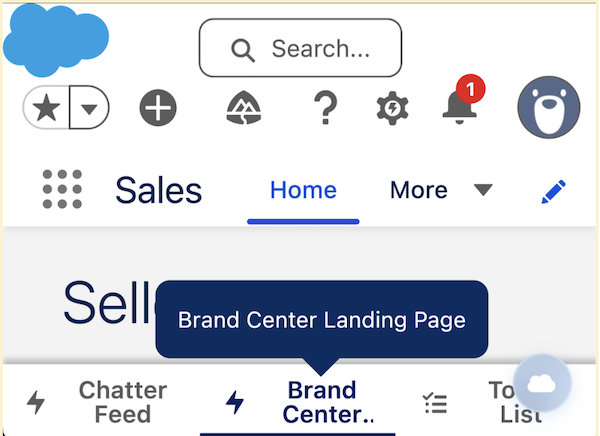
- Bottom utility bars truncate button labels to fit within the height of the utility bar. The full text of a truncated button label appears in a tooltip if you hover a mouse over a button or place keyboard focus on it.
-
How: To review this update, from Setup, in the Quick Find box, enter Release Updates, and then select Release Updates. For Enable Accessibility Enhancements for Date Pickers, Popovers, Bottom Utility Bars, Record Headers, follow the testing and activation steps.