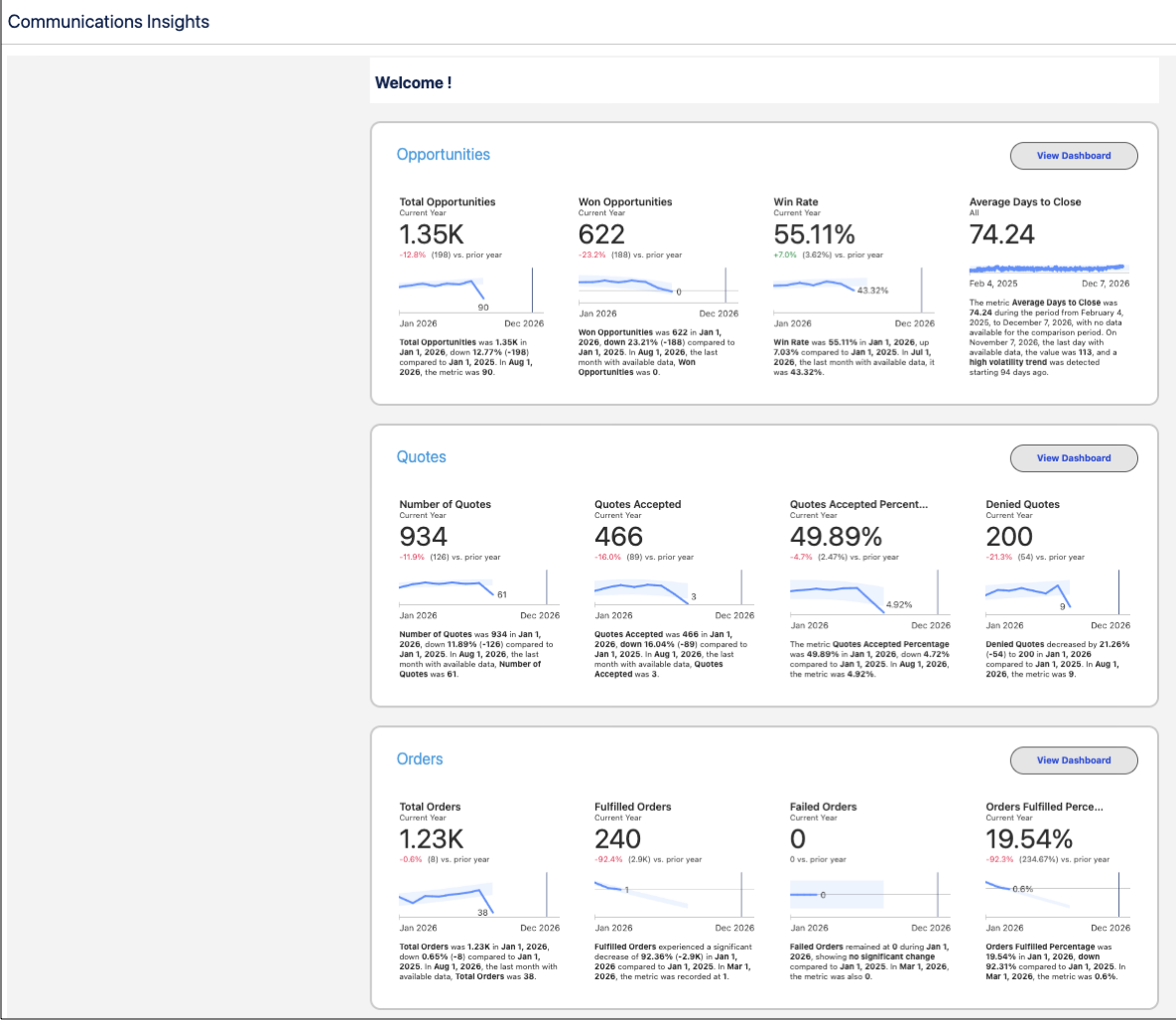
Gain real-time visibility into your revenue pipeline across opportunities, quotes, and orders with Communications Sales Insights. Track closed-won revenue, identify stalled quotes and high-value deals that need attention, and detect operational risks such as failed orders or activation issues. Align sales leaders, revenue operations teams, and account managers to improve forecast accuracy and reduce revenue leakage.
Where: This change applies to Lightning Experience in Agentforce for Communications and Communications Cloud Advanced.
Who: To set up Communications Sales Insights, you need the System Administrator profile. To view the analytics, you need a Data Cloud User license and Tableau Next Consumer license.
How: From Setup, go to Communications Cloud, then select Services Setup. In the Data Cloud Configurations section, assign the Data Cloud Salesforce Connector permission set and create your data stream. Then, in the Communications Sales Insights section, install the Sales Insights App. View analytics on the dashboards from the app.