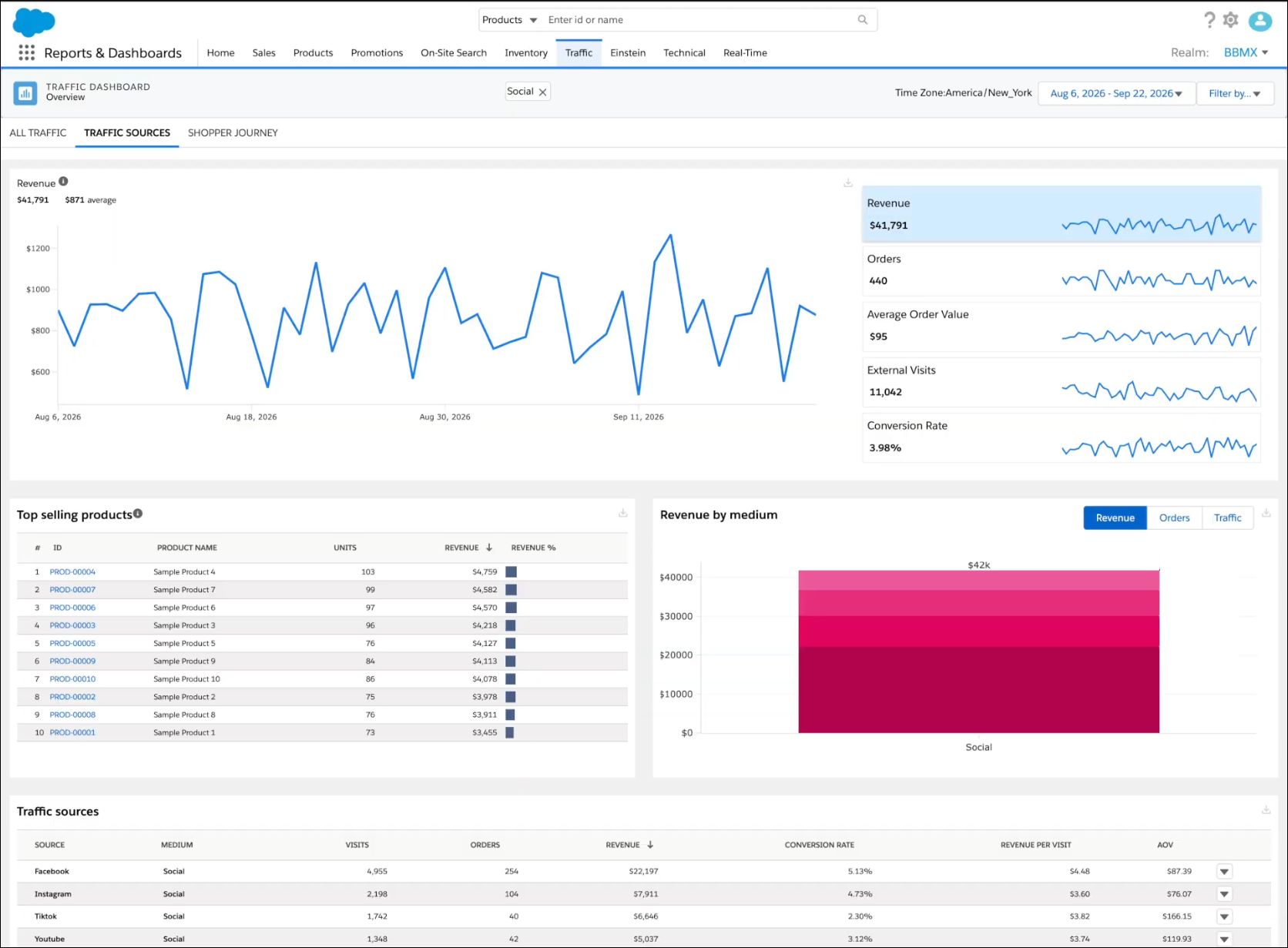
Compare revenue, orders, and conversion for shoppers who reach your storefront from Search, Social, Email, and Chatbot sources. The Traffic Sources dashboard on the Traffic tab in Reports & Dashboards reports this external traffic and doesn't include direct visits. Select a source to focus the trend, top-selling products, and medium chart on that source. Sort the traffic sources table by revenue, conversion rate, or average order value.
Where: This change applies to Reports & Dashboards in B2C Commerce.
How: In Business Manager, go to . Select Traffic, and then select Traffic Sources. Select a metric to plot its trend. To limit the dashboard to one source, click the down arrow at the end of that row.