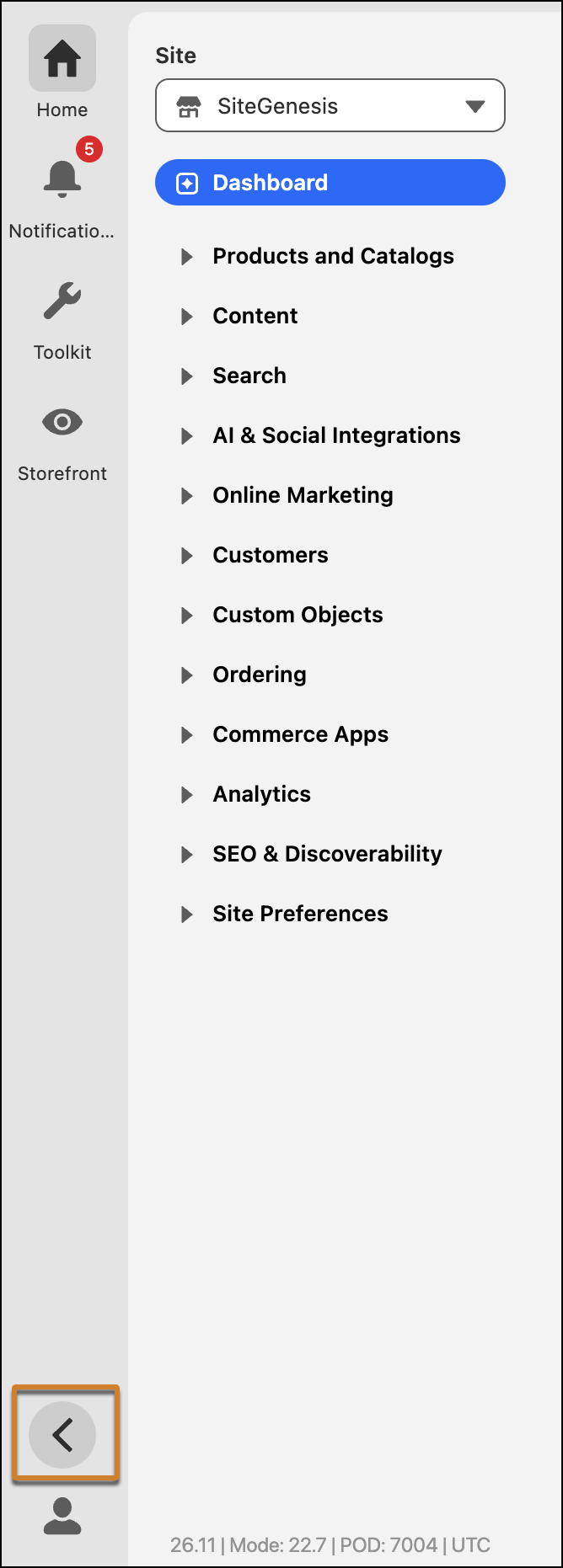
Maximize your workspace in Business Manager by collapsing and expanding the left navigation pane with a toggle in the Utility Bar. Your selected view persists when you switch Business Manager apps or log out.
Where: This change applies to Business Manager in B2C Commerce.
How: Click the Arrow in the Utility Bar to collapse or expand the navigation pane.